Images,
and the systems
that make them.
Creative technologist, bridging creative and engineering. I design, build and consult on AI workflows and systems for studios, agencies, production companies and image‑led brands.
Restoration Engine
A set of custom ComfyUI nodes built around the SeedVR2 upscaler. They run SeedVR2 as a pipeline in which every stage can be set and inspected. Noise is added to the whole frame, the image is split into tiles for upscaling, and the tiles are stitched back. The result is then mixed with the original band by band: broad colour and light from the original, fine detail from SeedVR2. An alignment check measures whether the upscale still lines up with the source, and the mixer can reduce or refuse the mix when it does not.
The nodes are controls and instruments, not a fixed recipe. They make it possible to test how SeedVR2 responds to its input. One such test, of a single control, is shown below.
SeedVR2 and the Restoration Engine
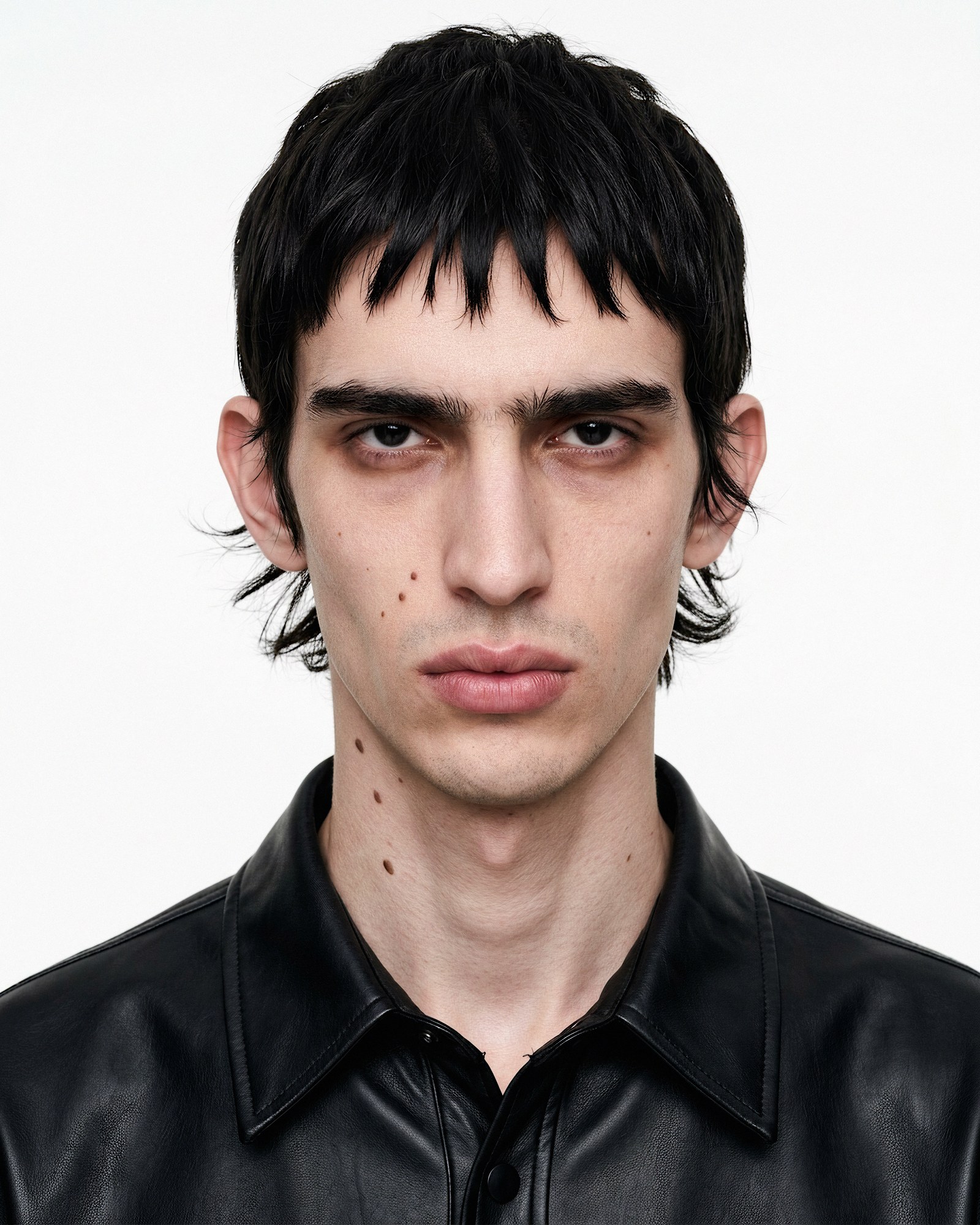
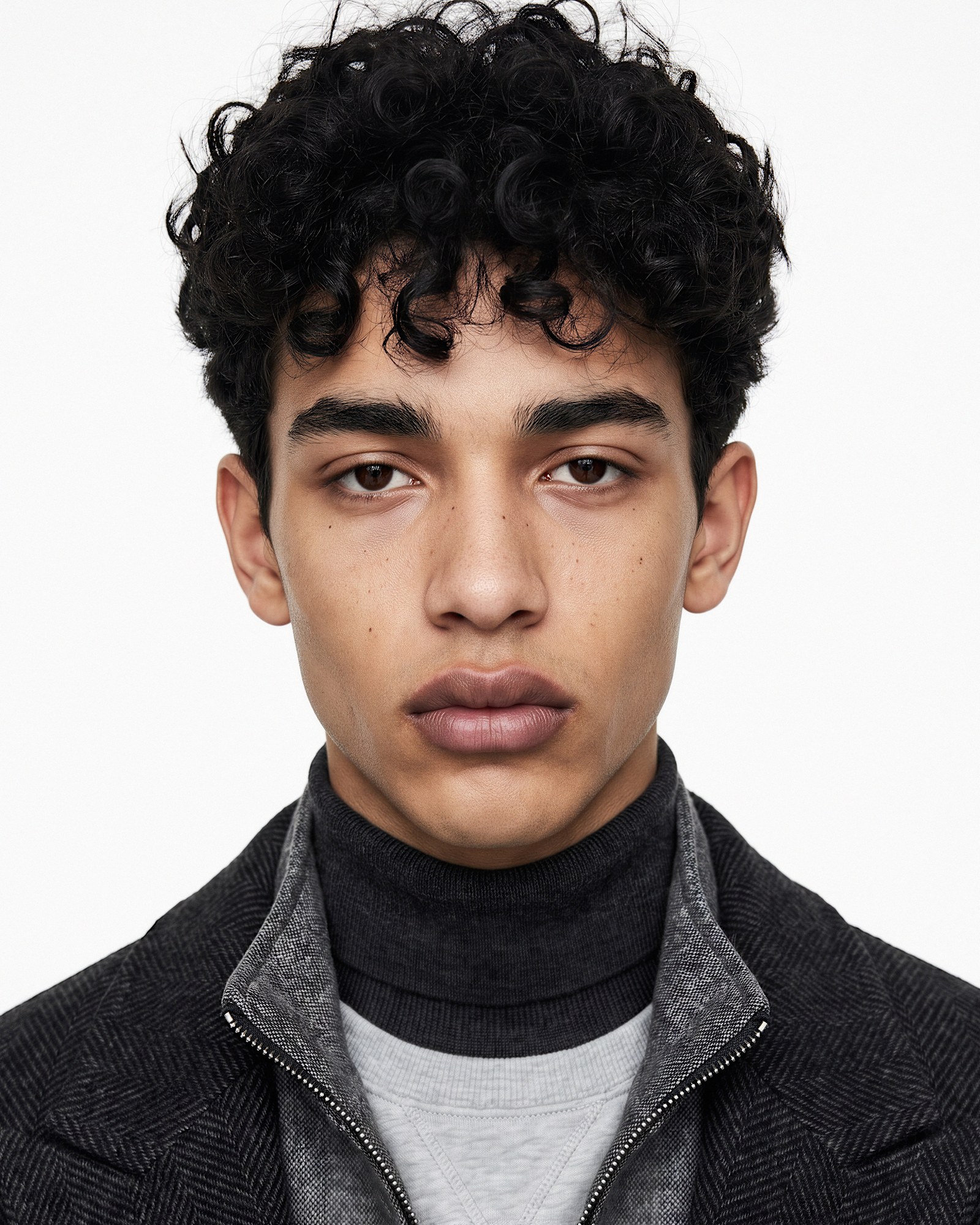
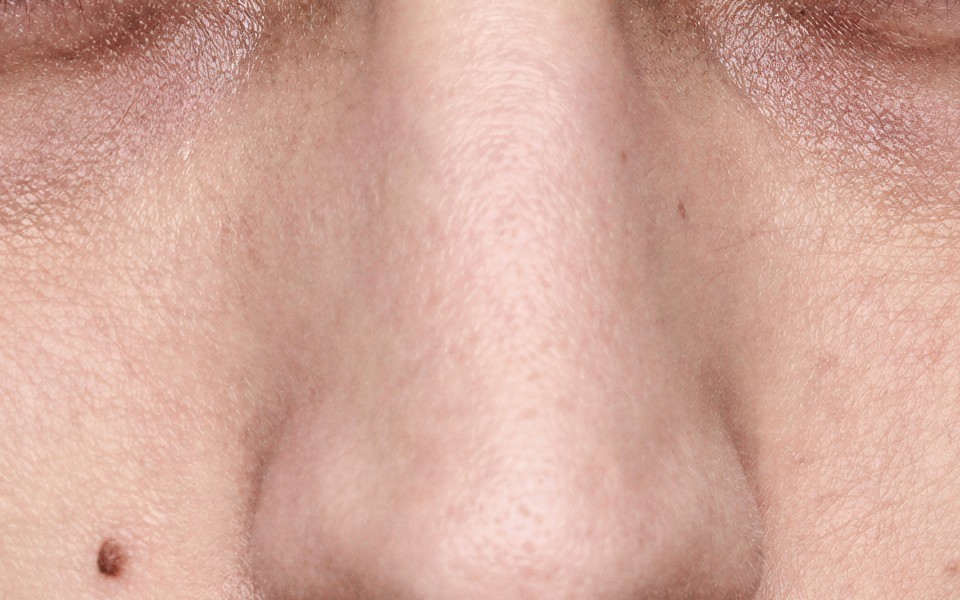
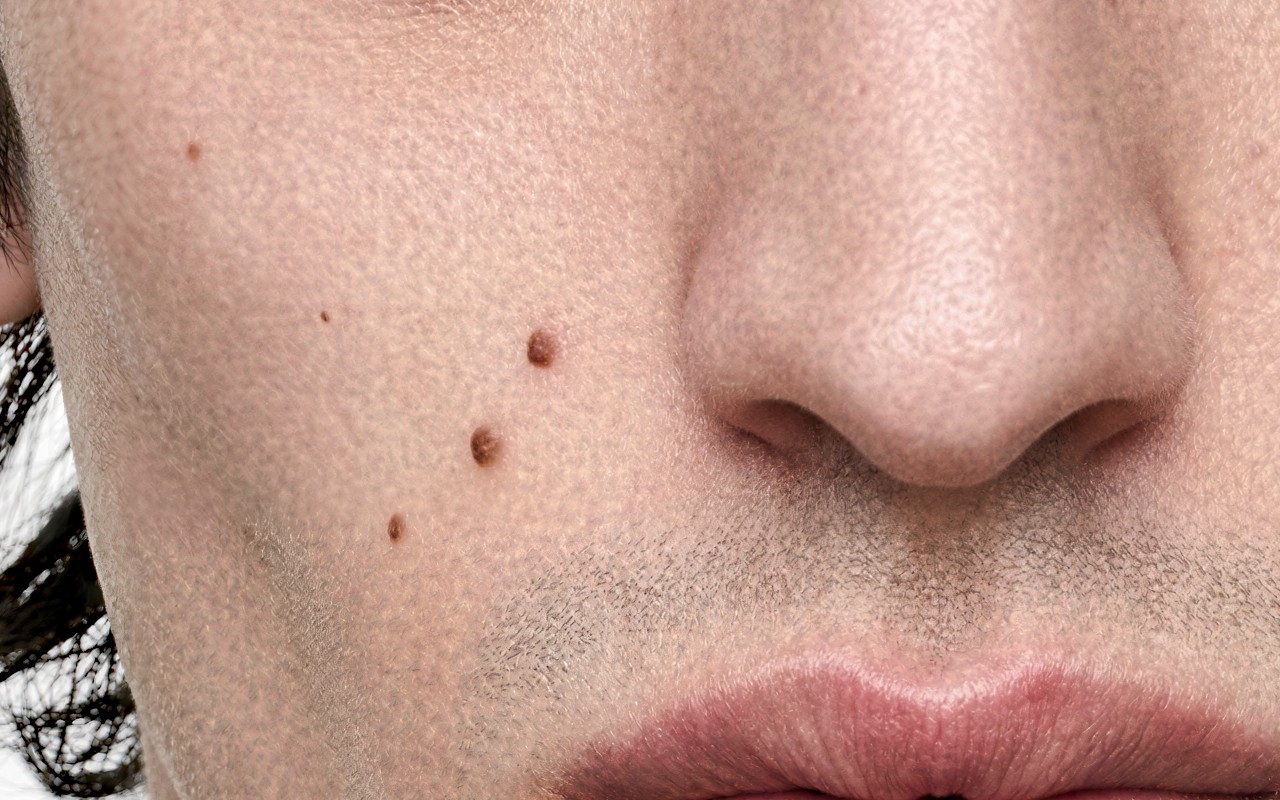
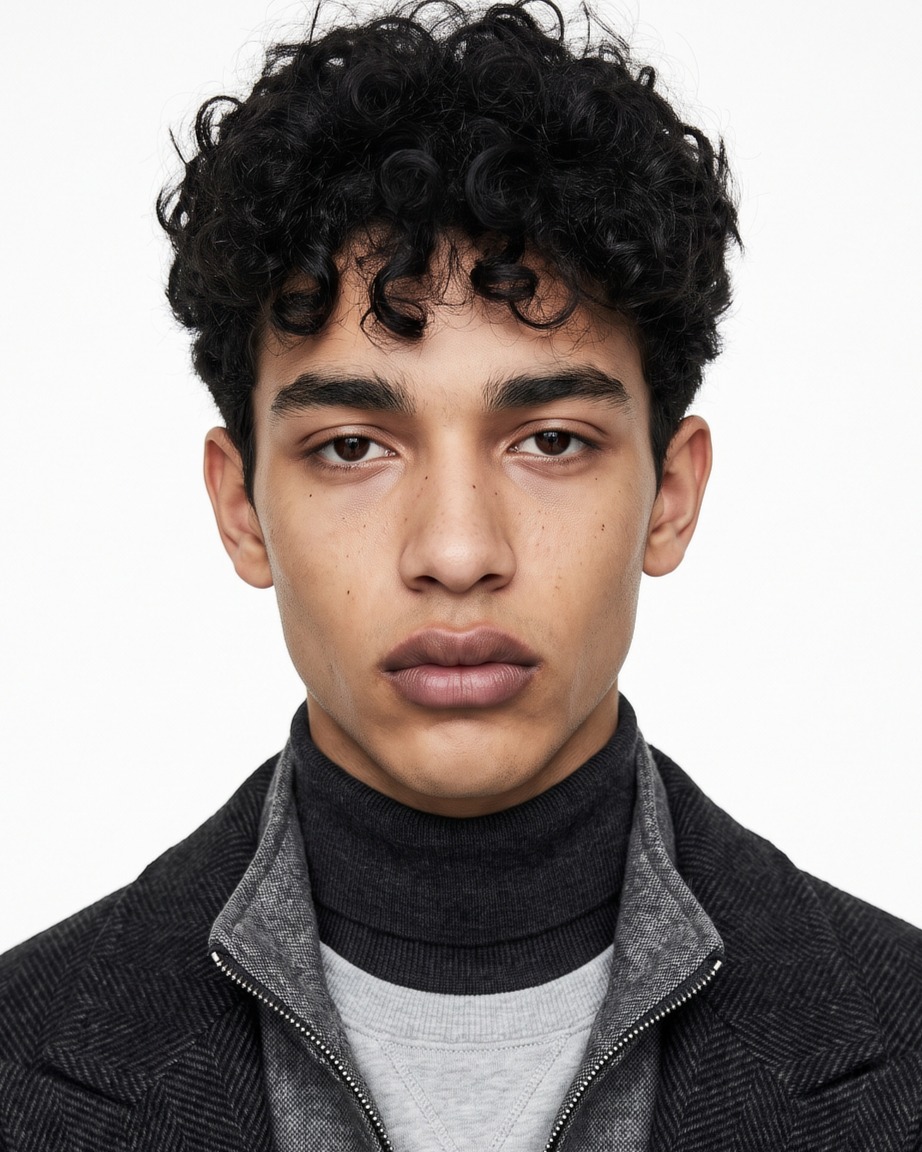
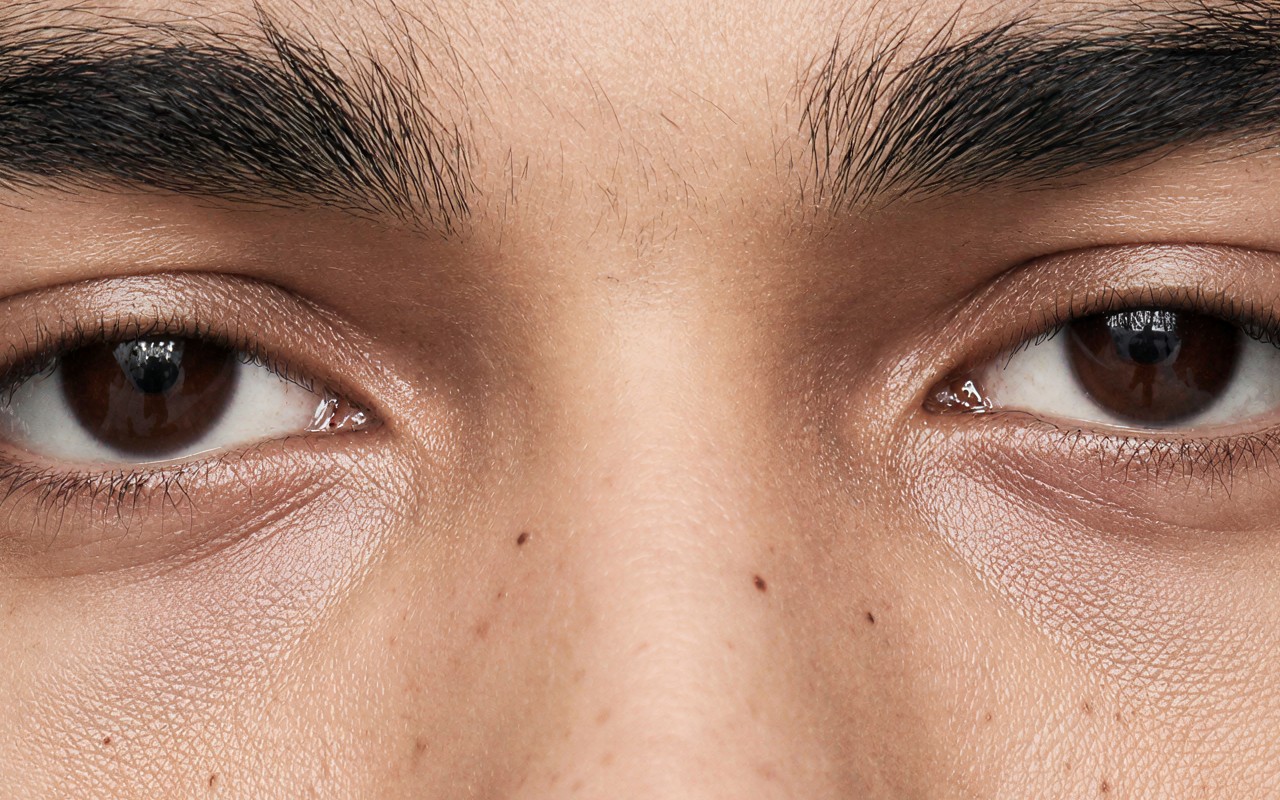
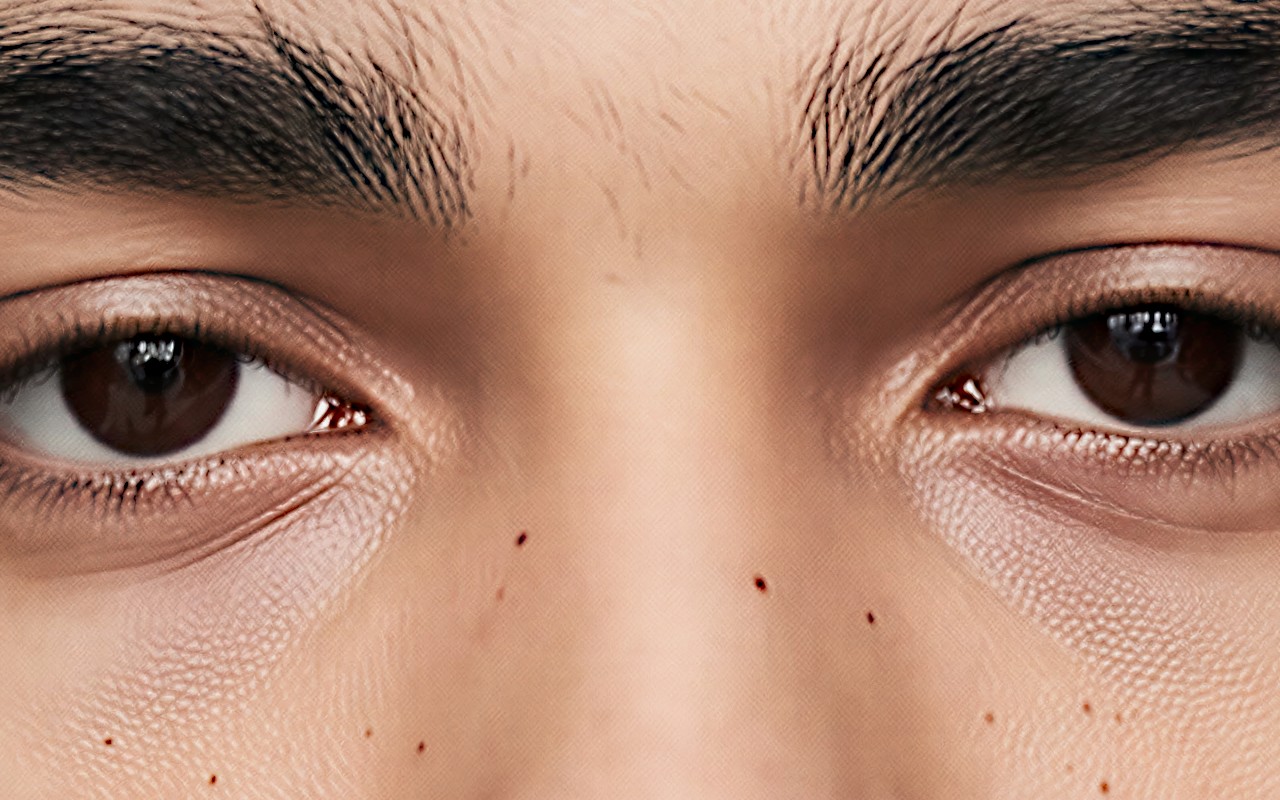
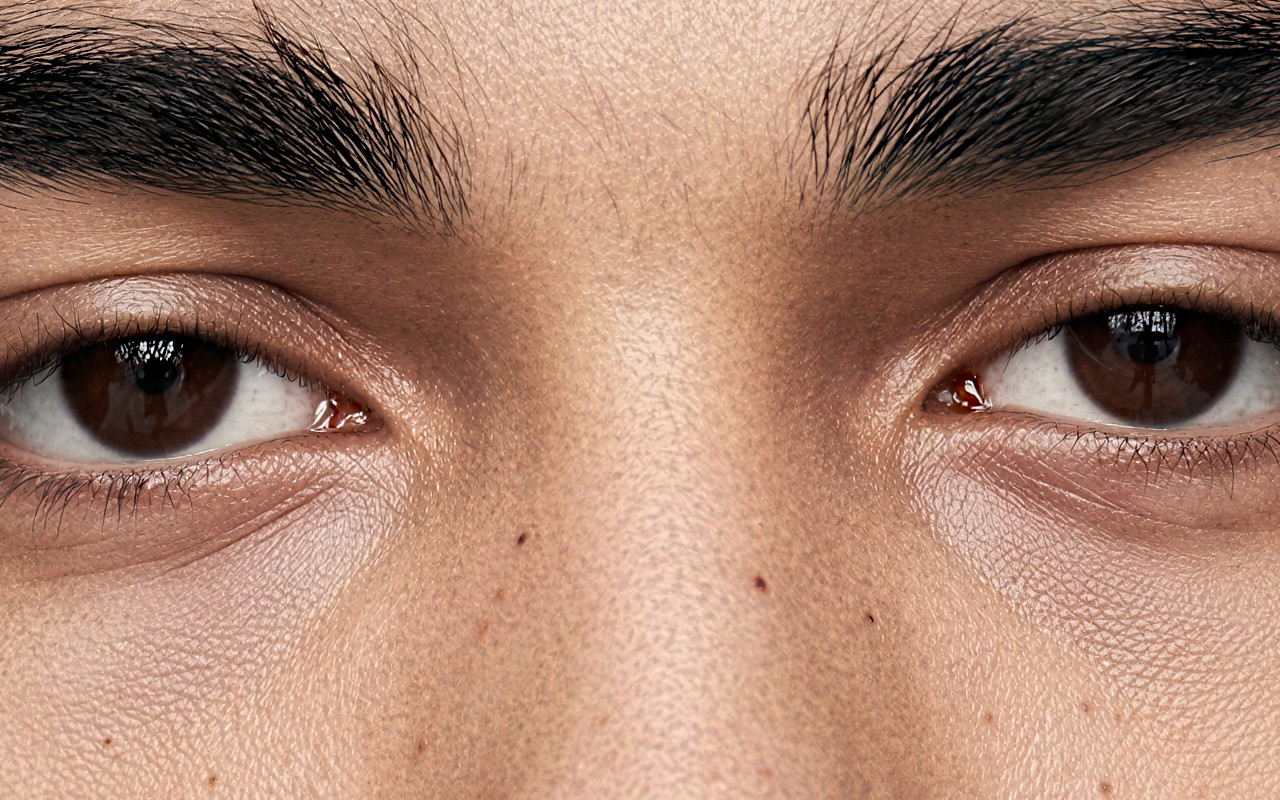
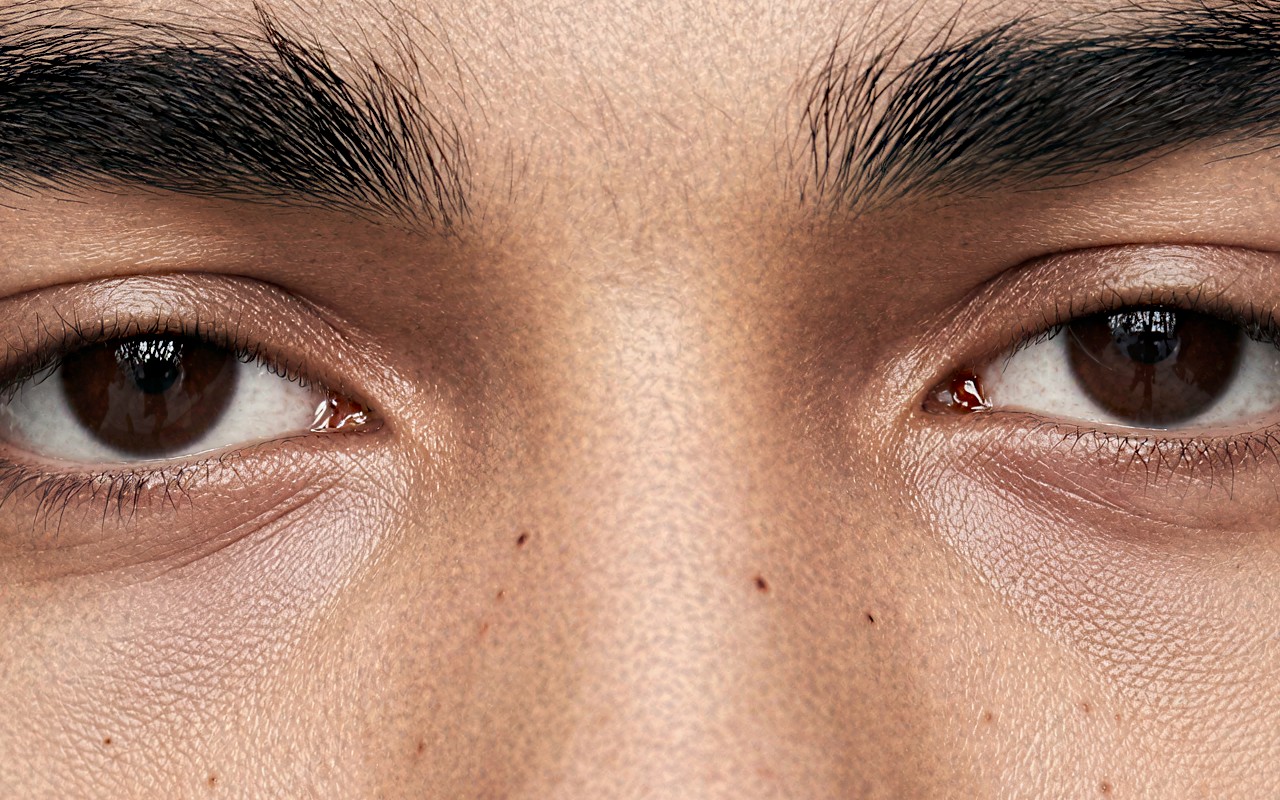
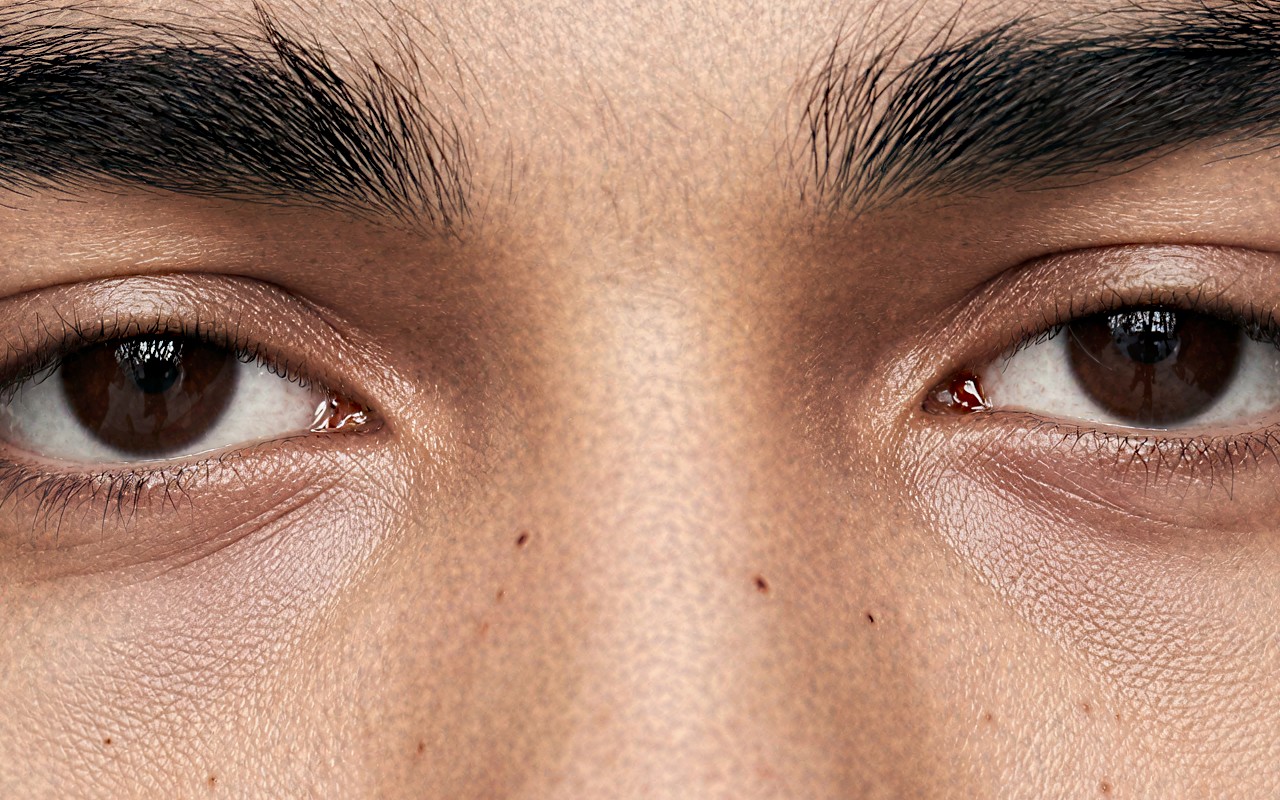
The same source through SeedVR2 on its own and through the suite, at the same output size. On flat skin, SeedVR2 on its own leaves the surface smooth; with the noise node at the tested setting it rebuilds pore-level texture. On detail that is already sharp — eyes, brows, hair — the two are close.
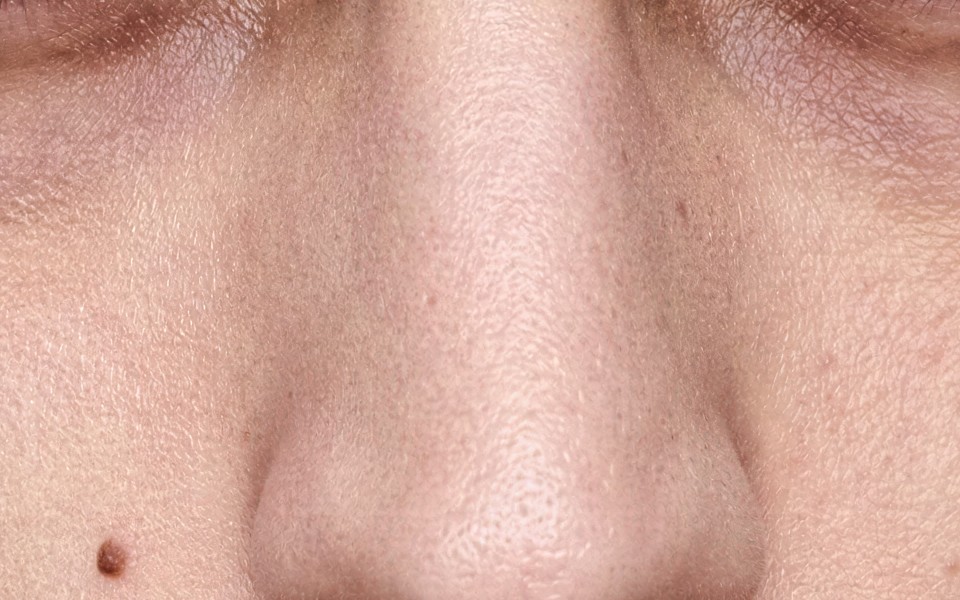
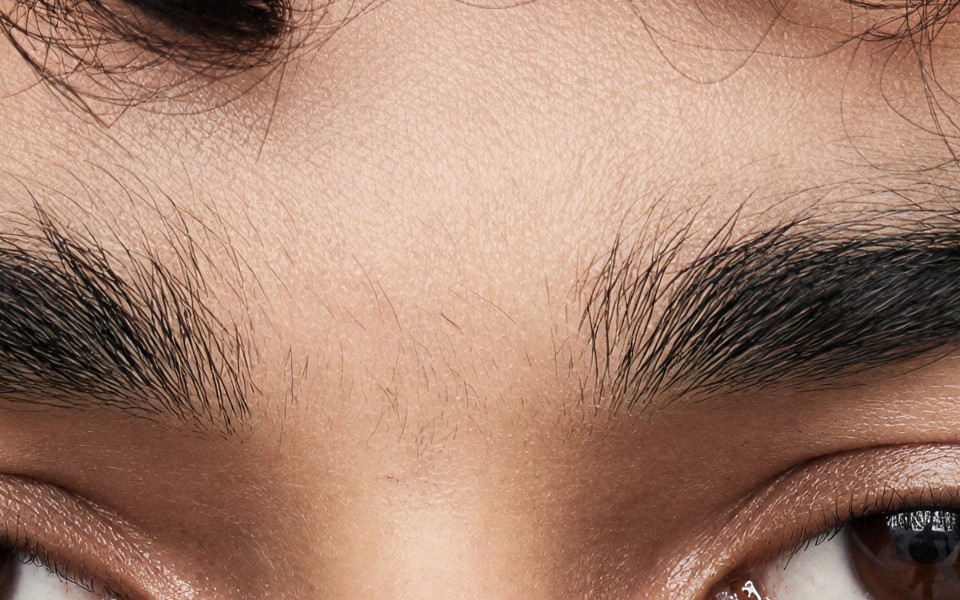
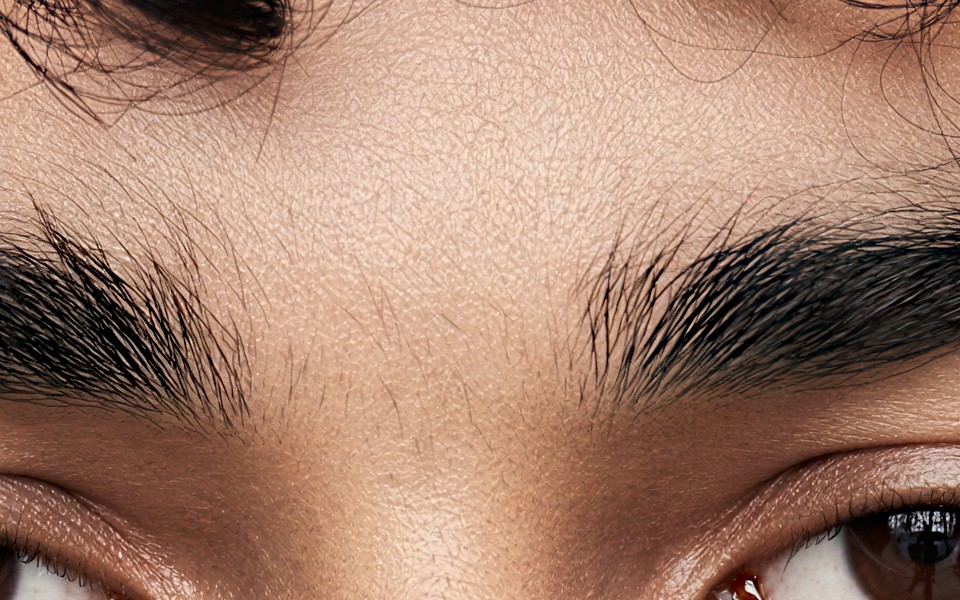
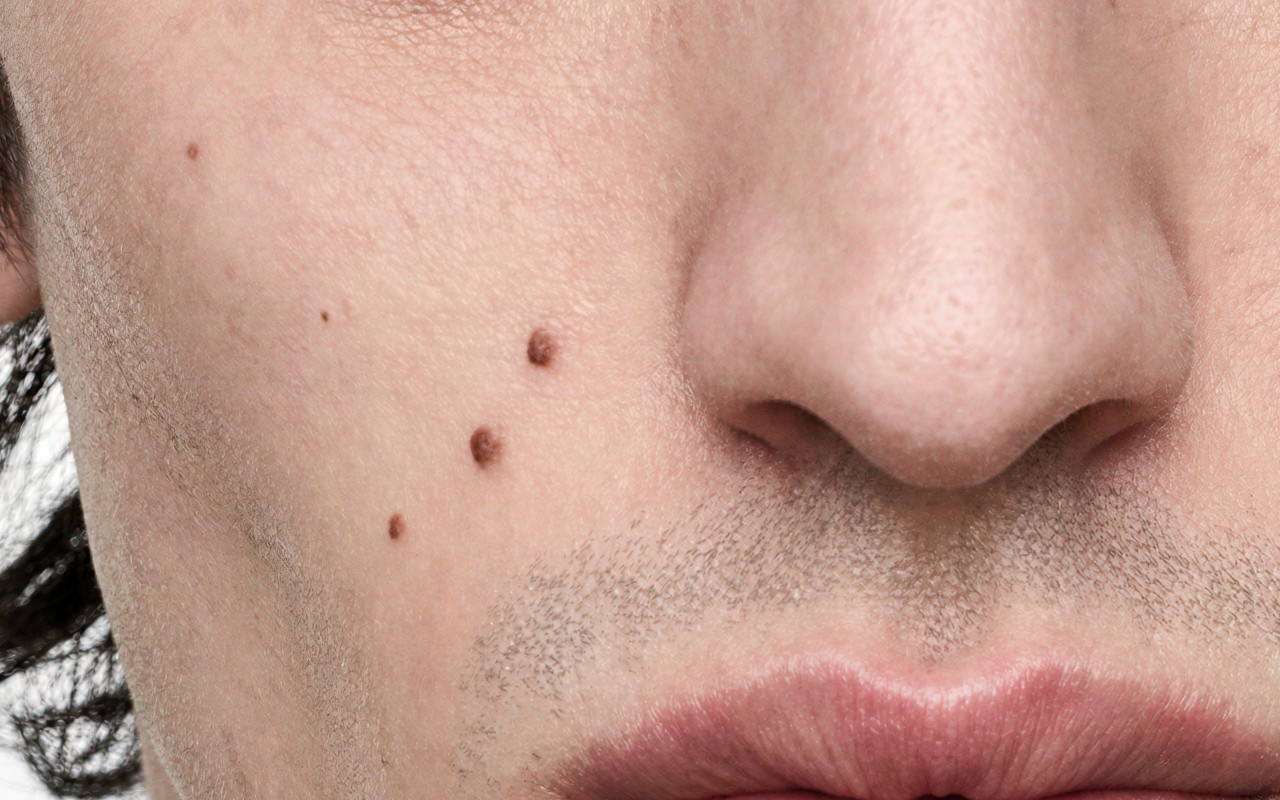
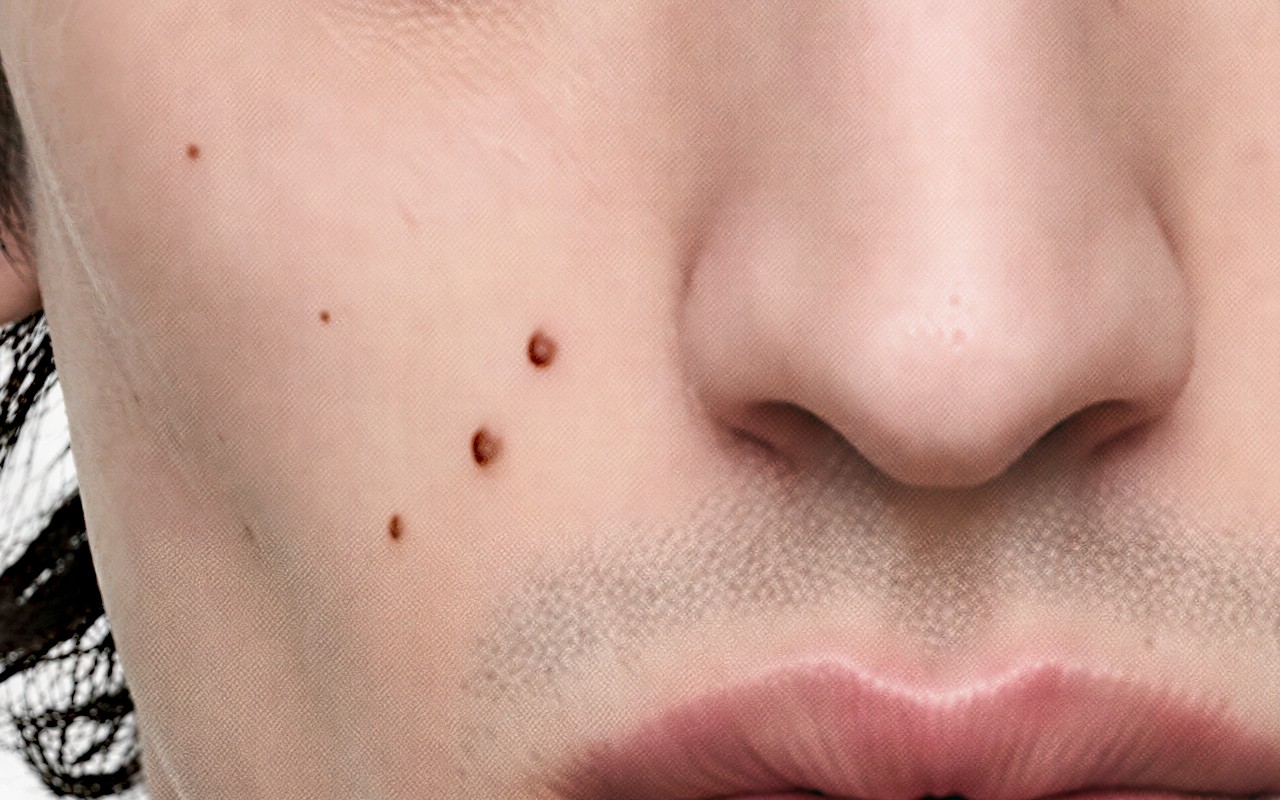
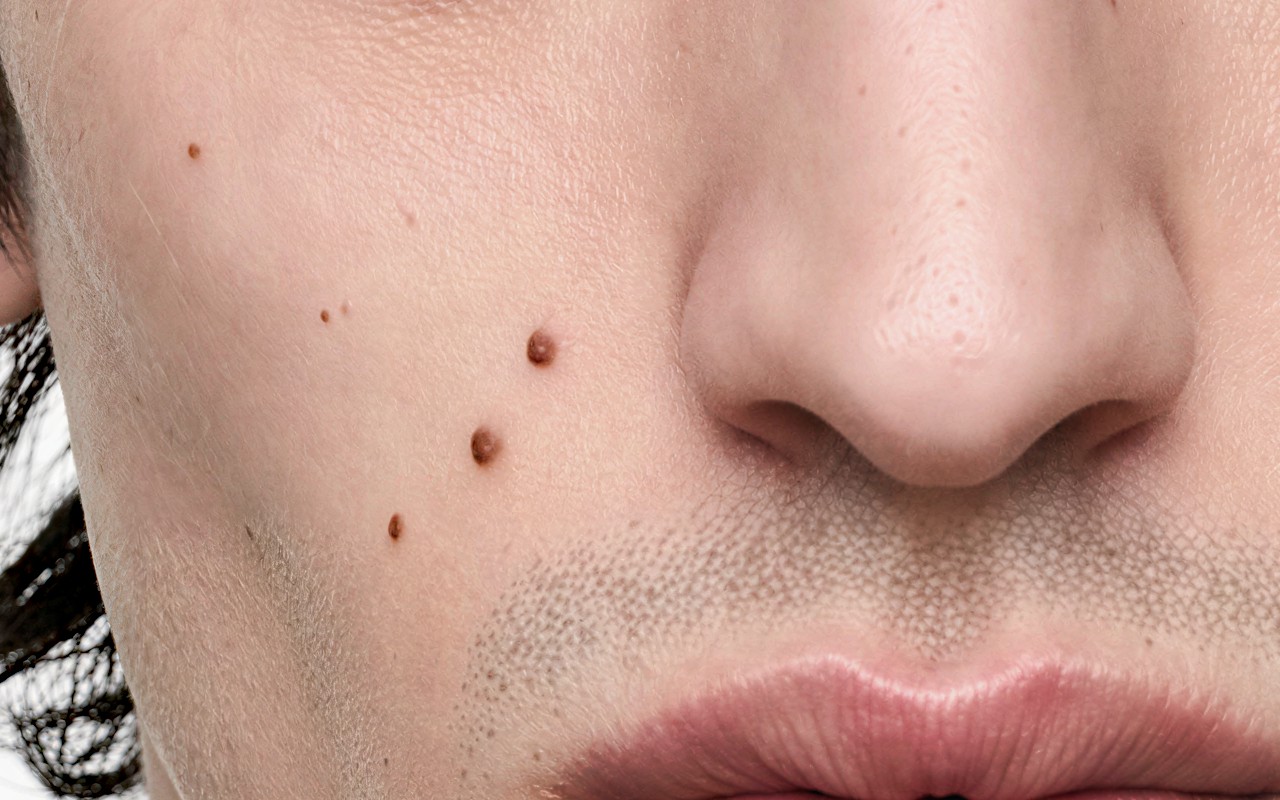
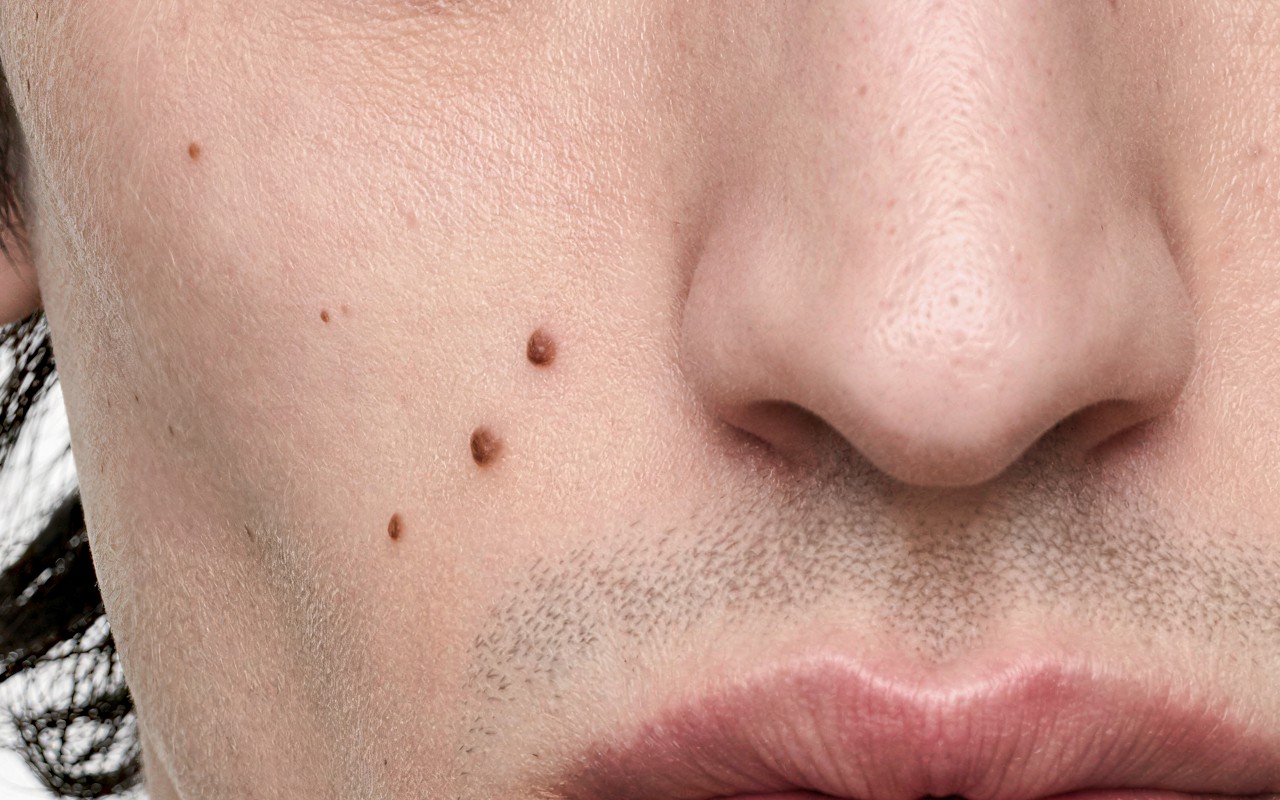
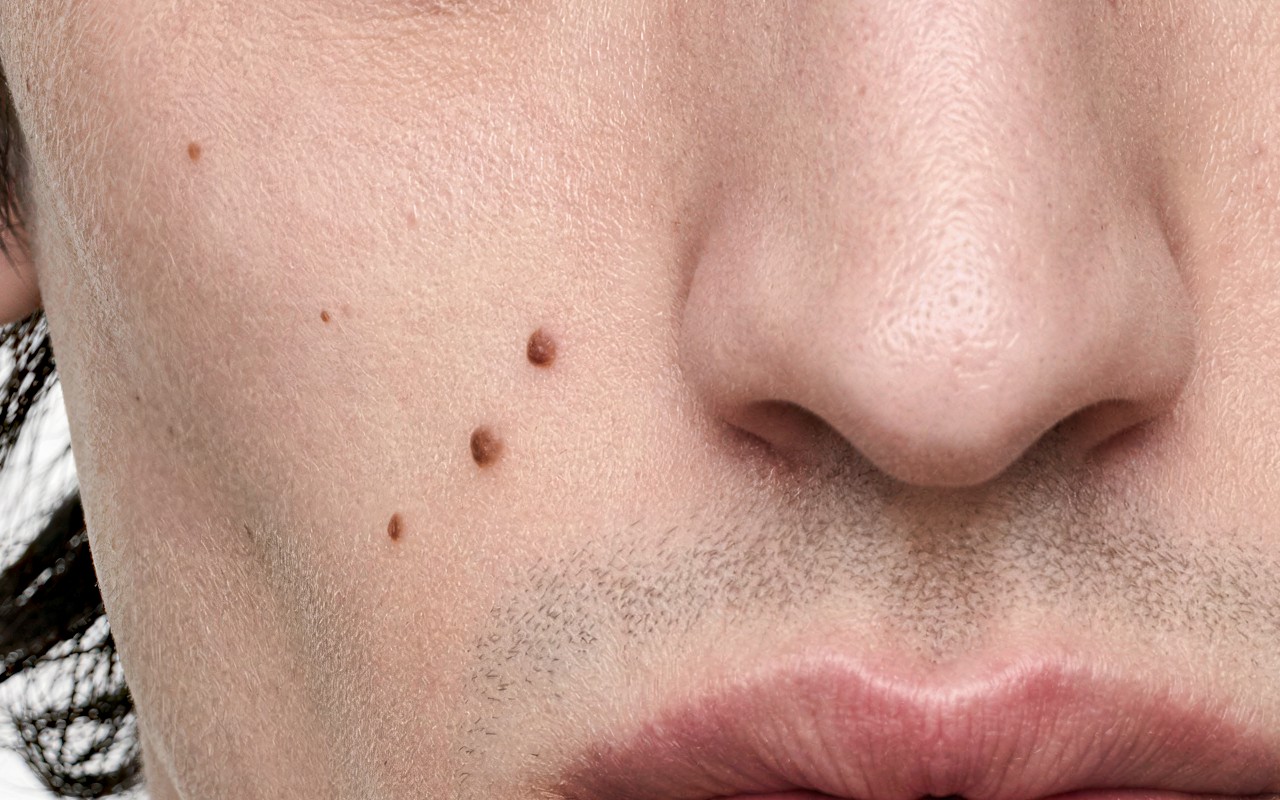
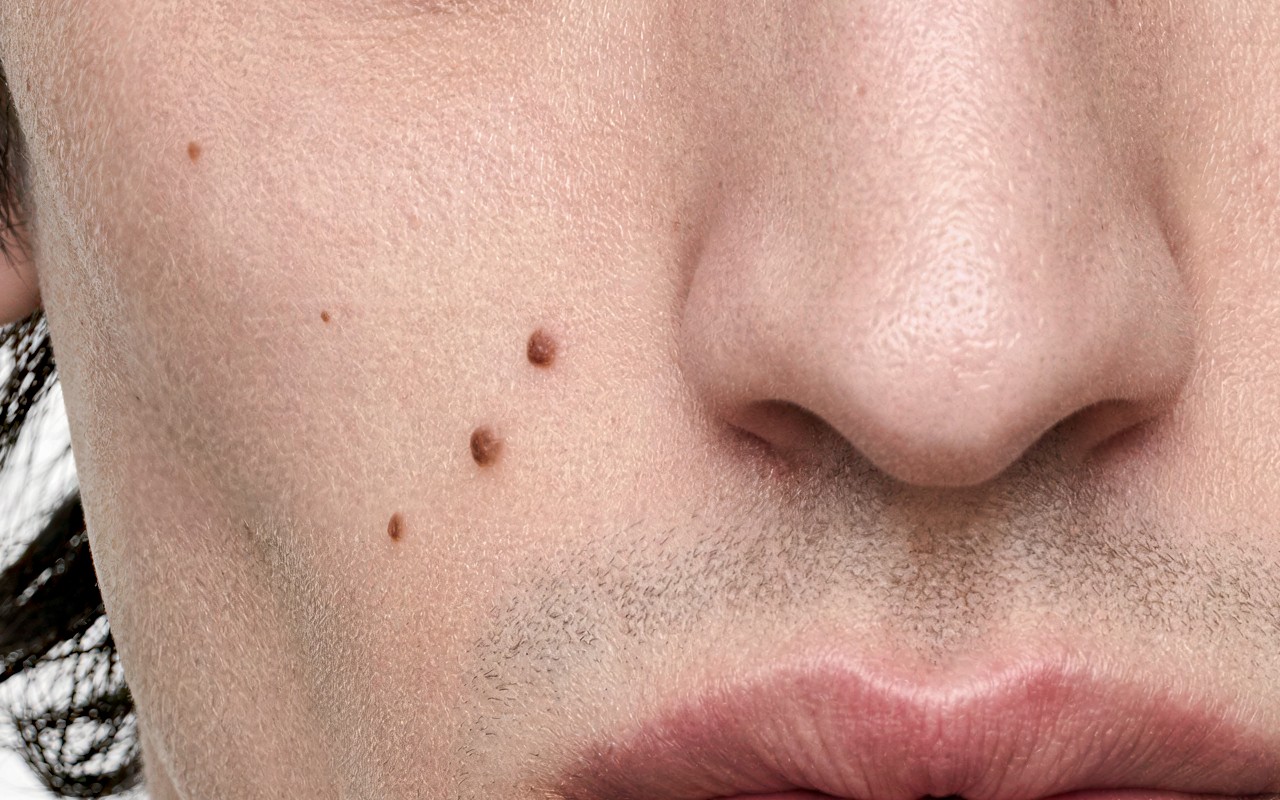
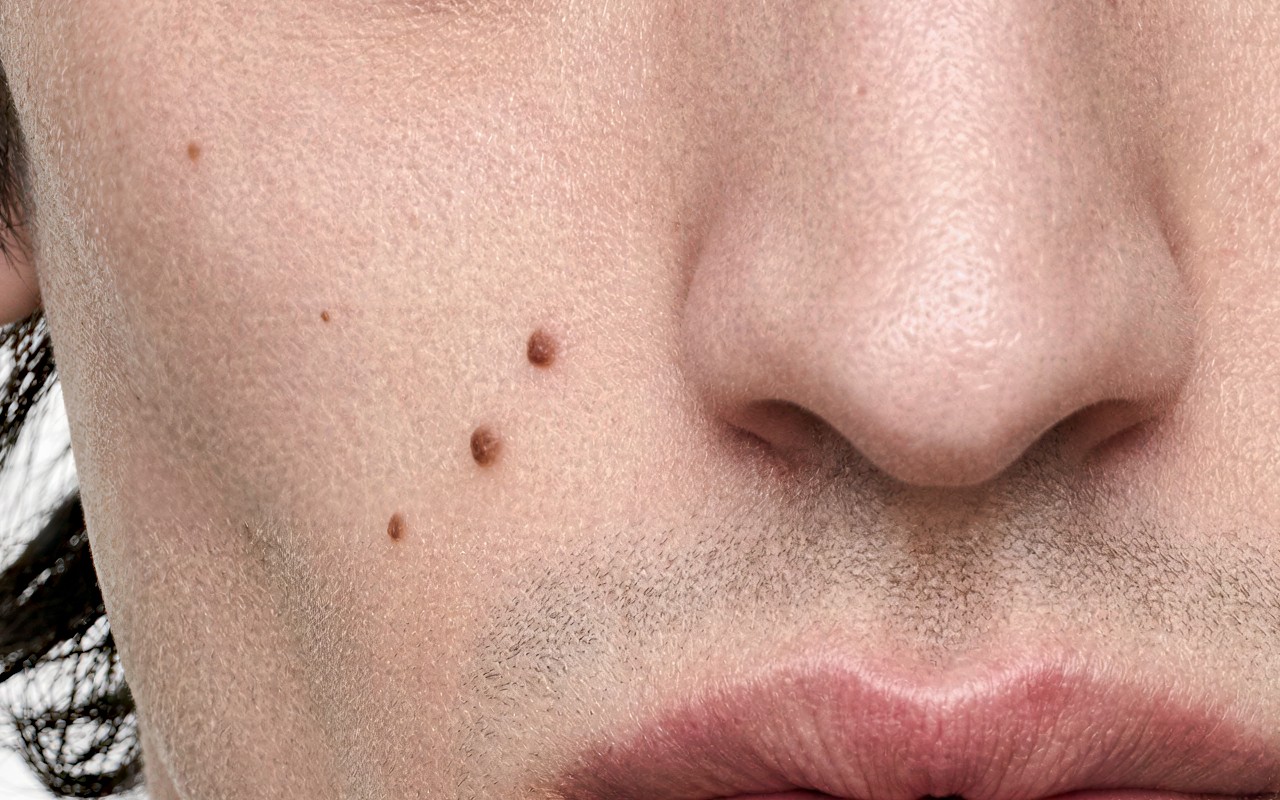
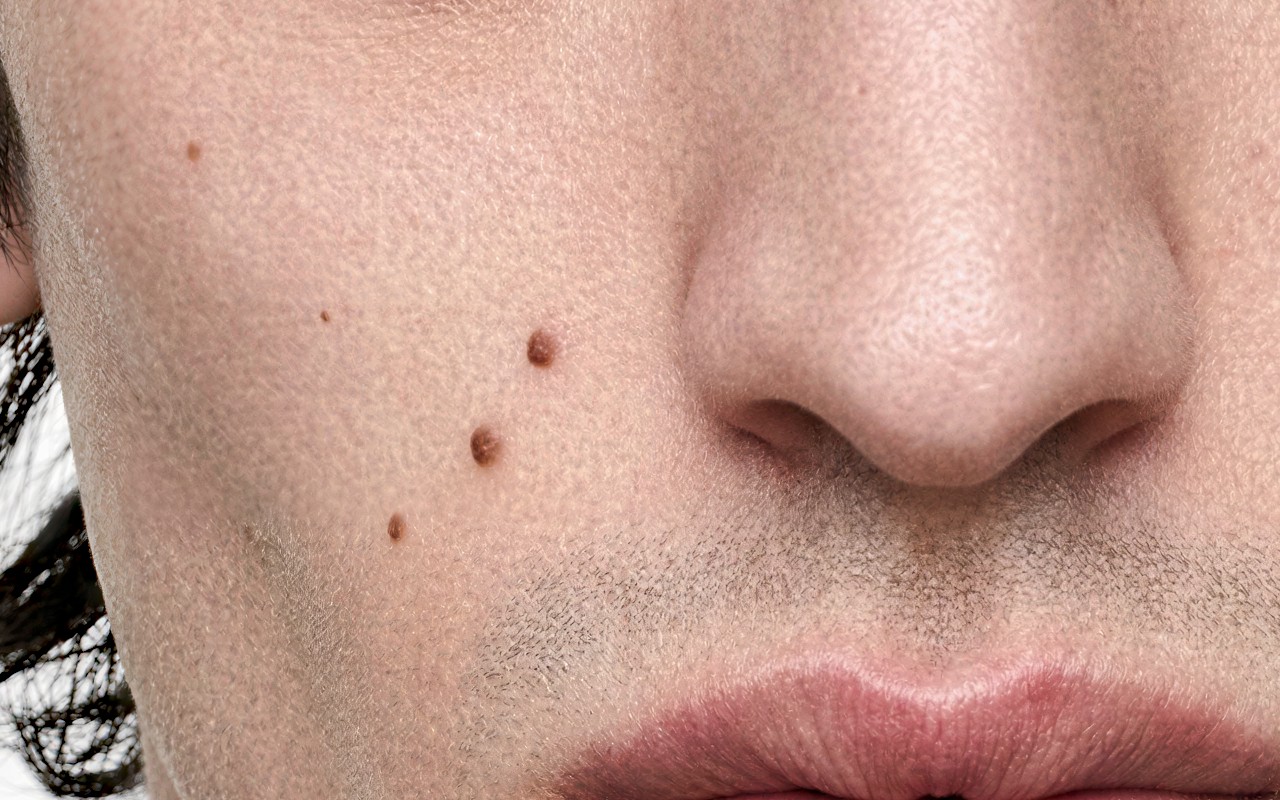
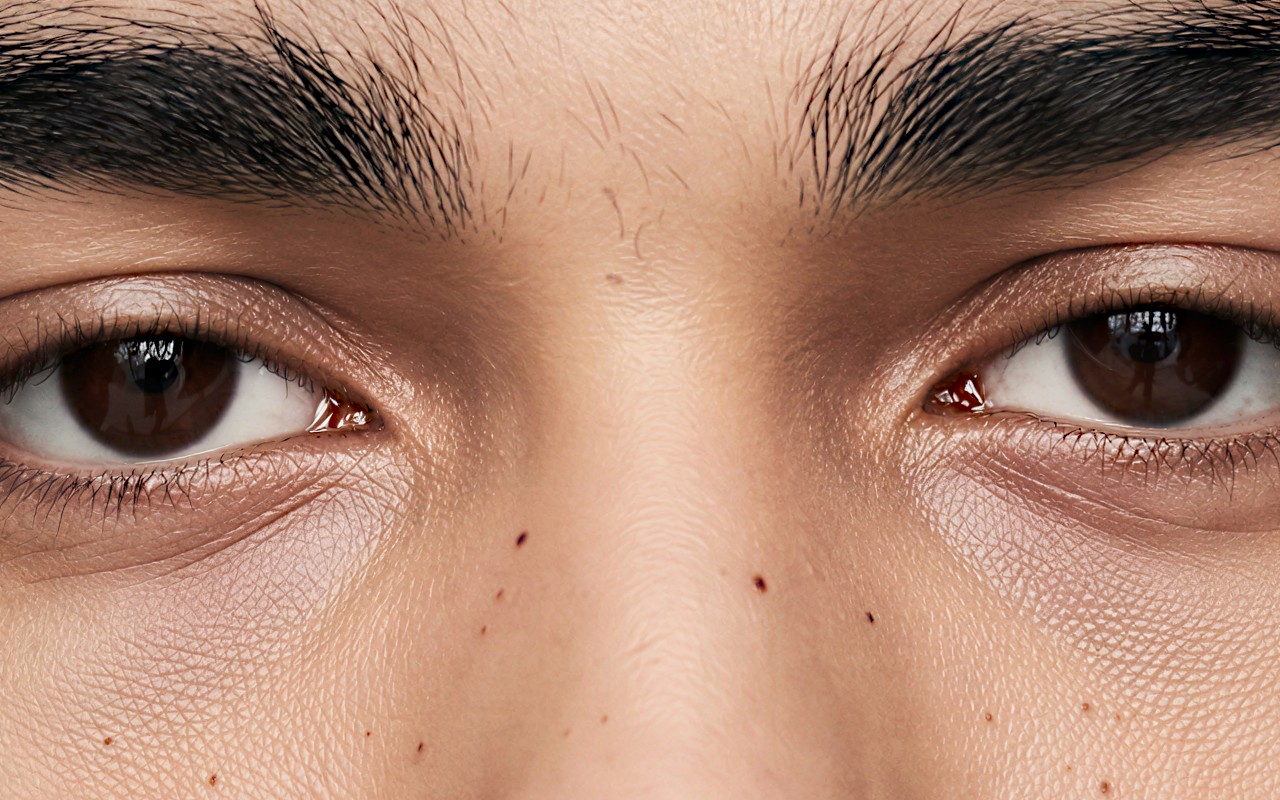
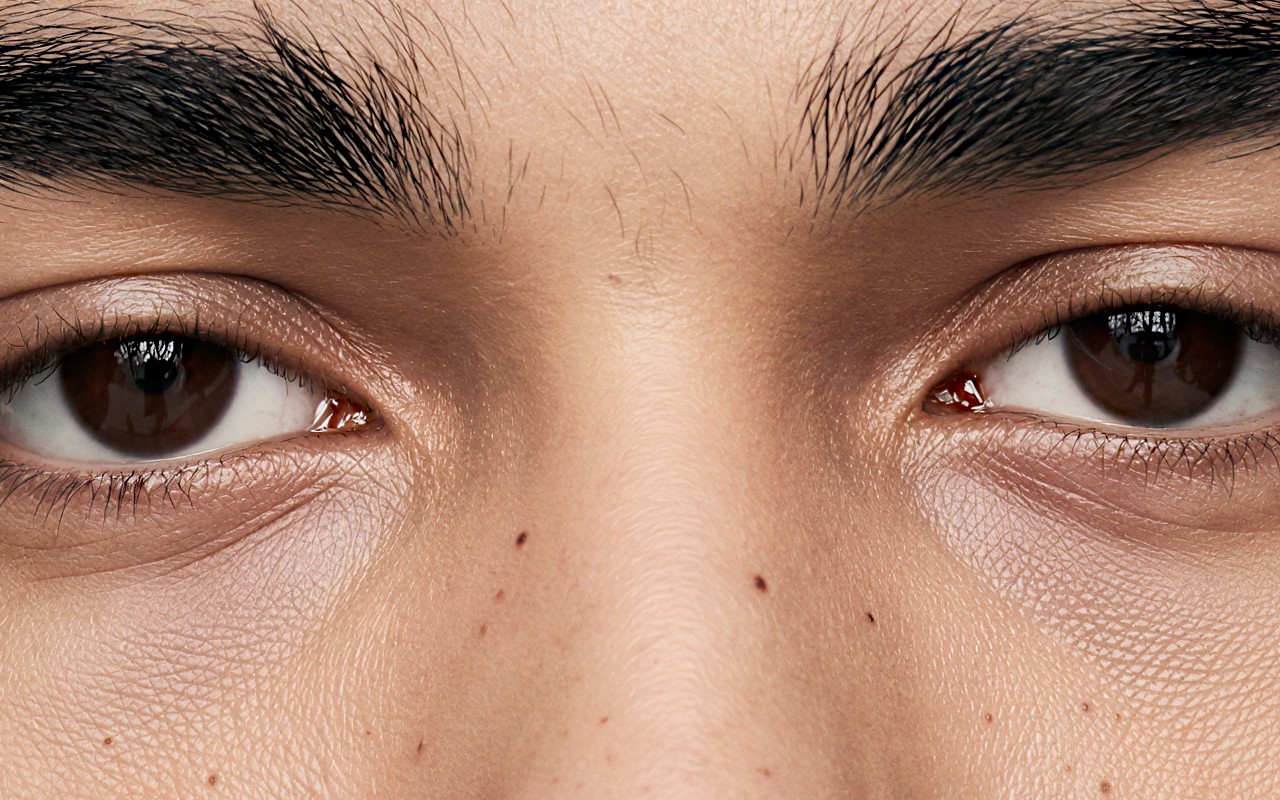
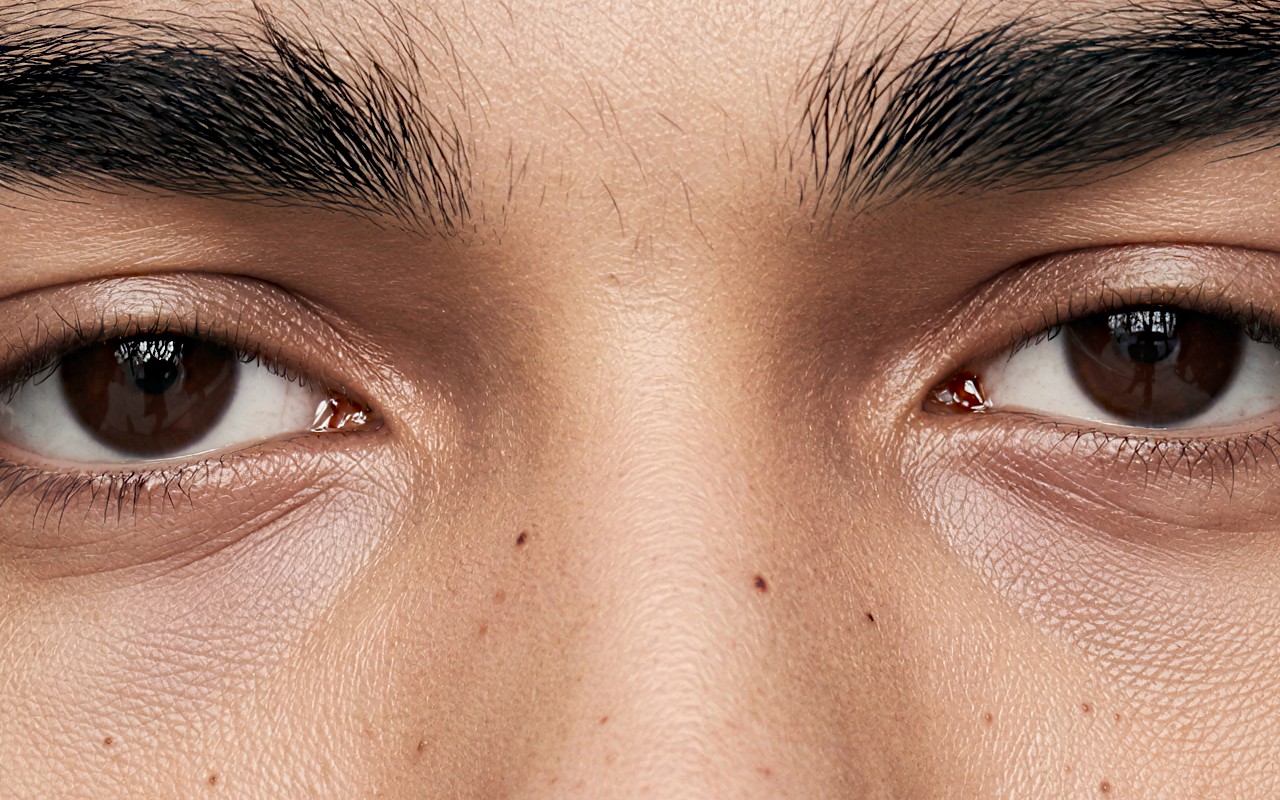
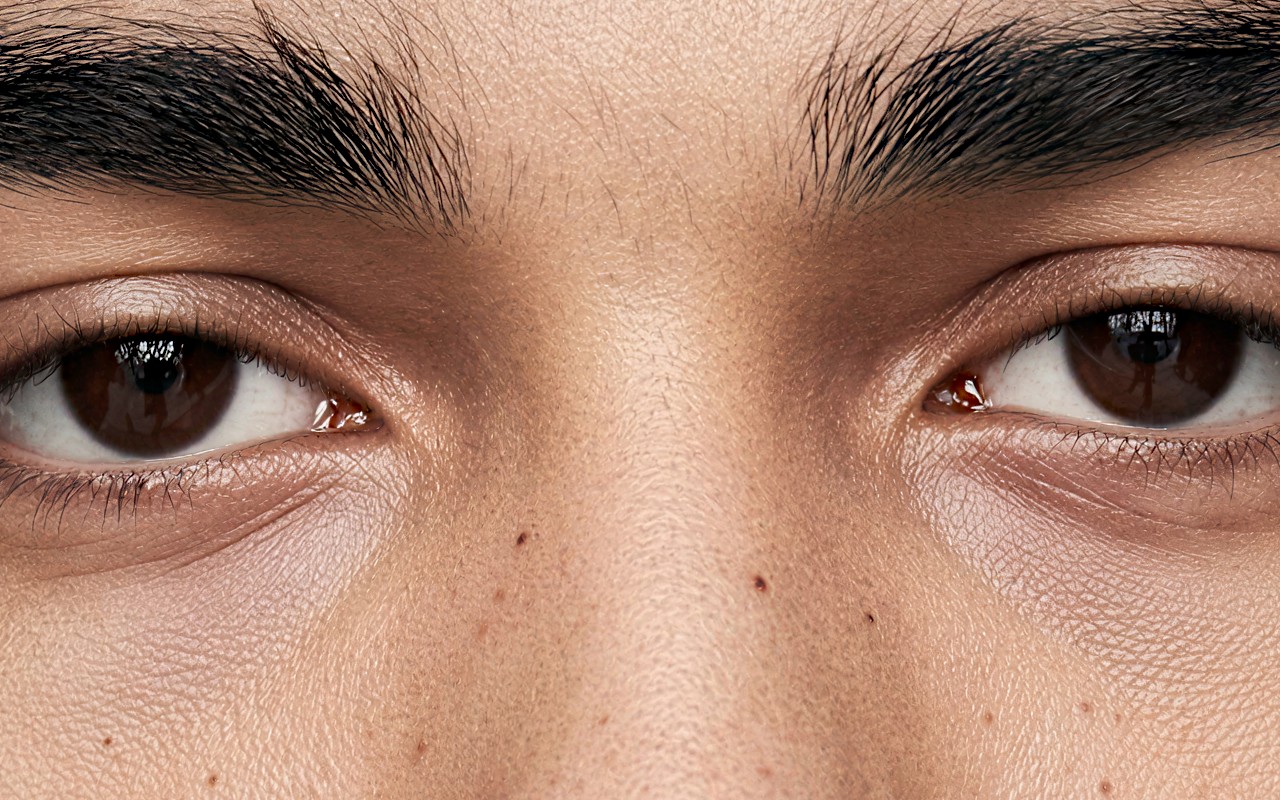
Grain scale
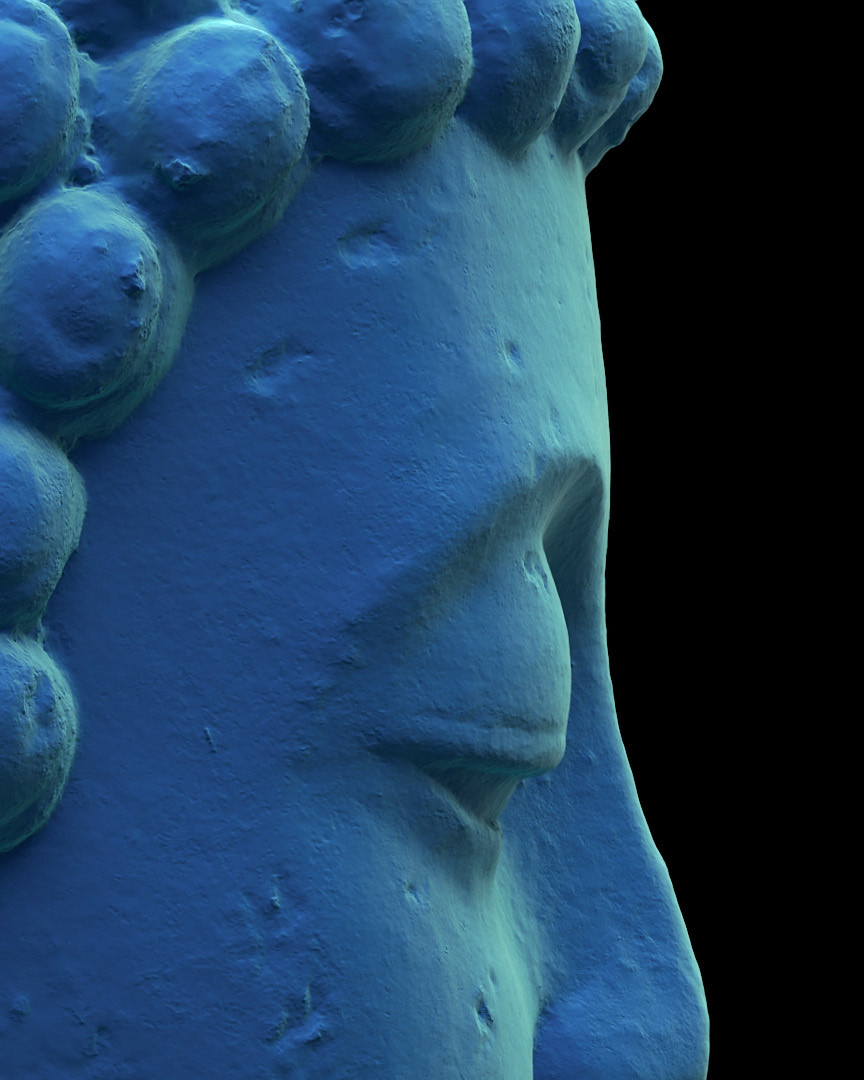
One control of one node, tested on its own. The noise node adds fine grain to the image before SeedVR2 sees it, and one control sets how coarse that grain is. Too fine and skin comes out plastic, smoother than with no noise at all. Too coarse and it turns blotchy. Between the two, SeedVR2 rebuilds pore-level texture.
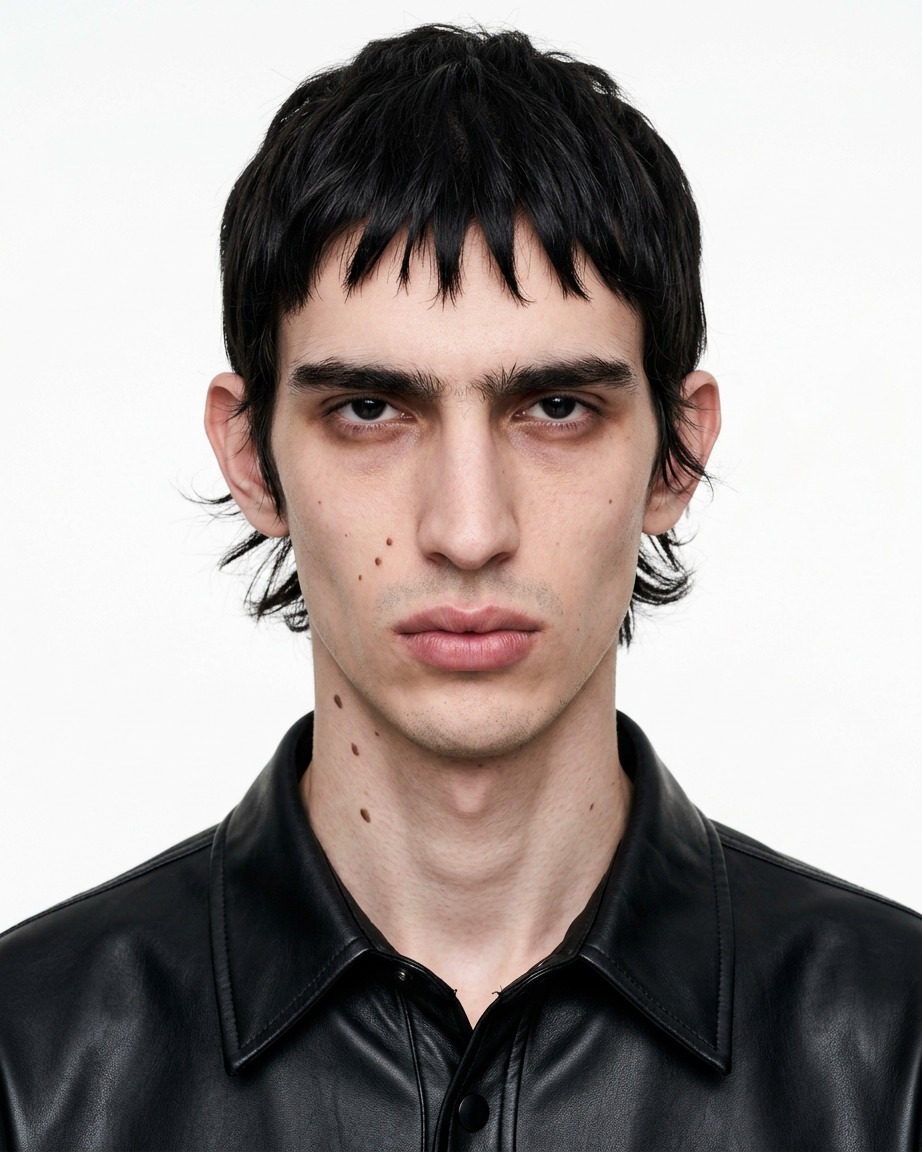

What each node makes visible
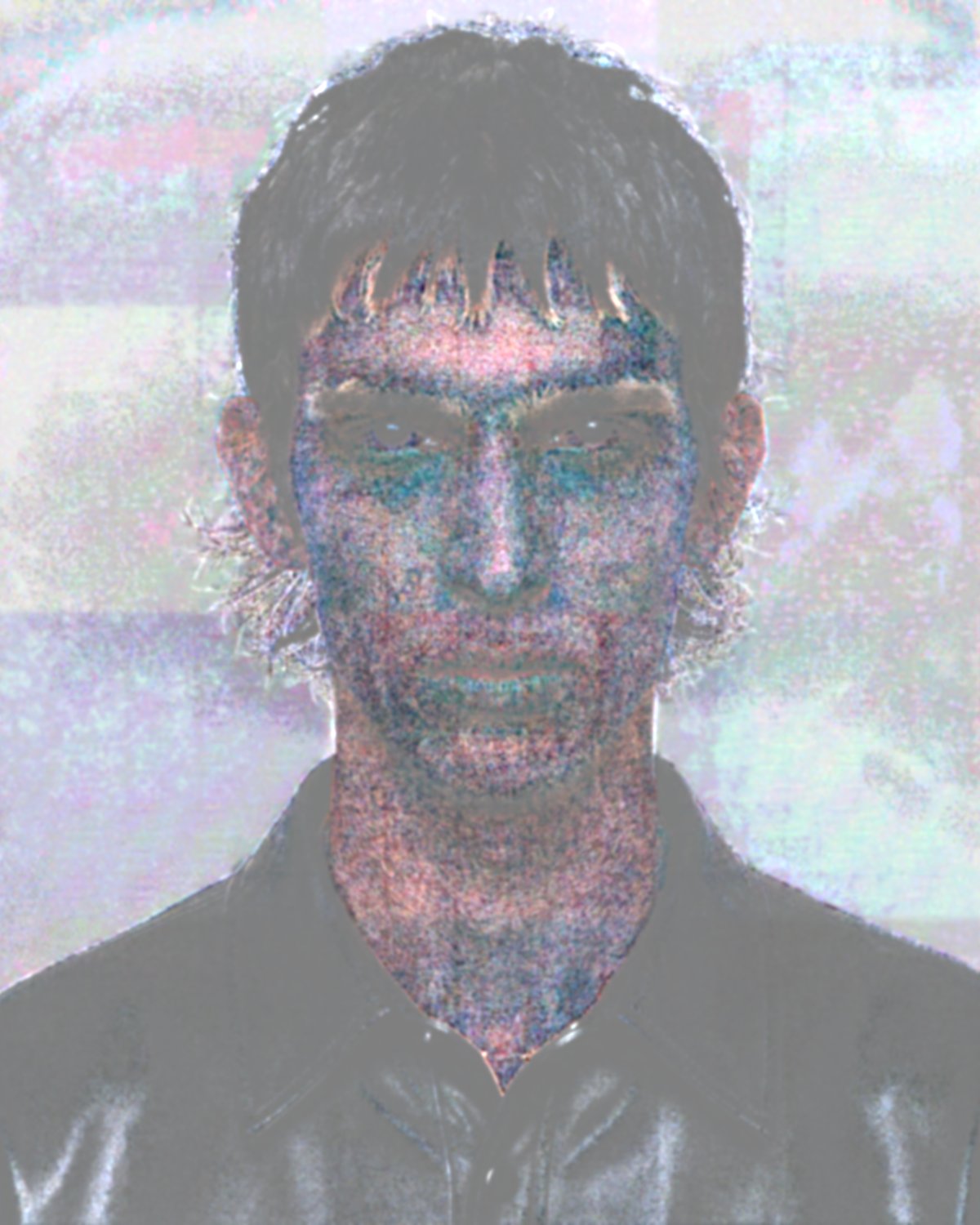
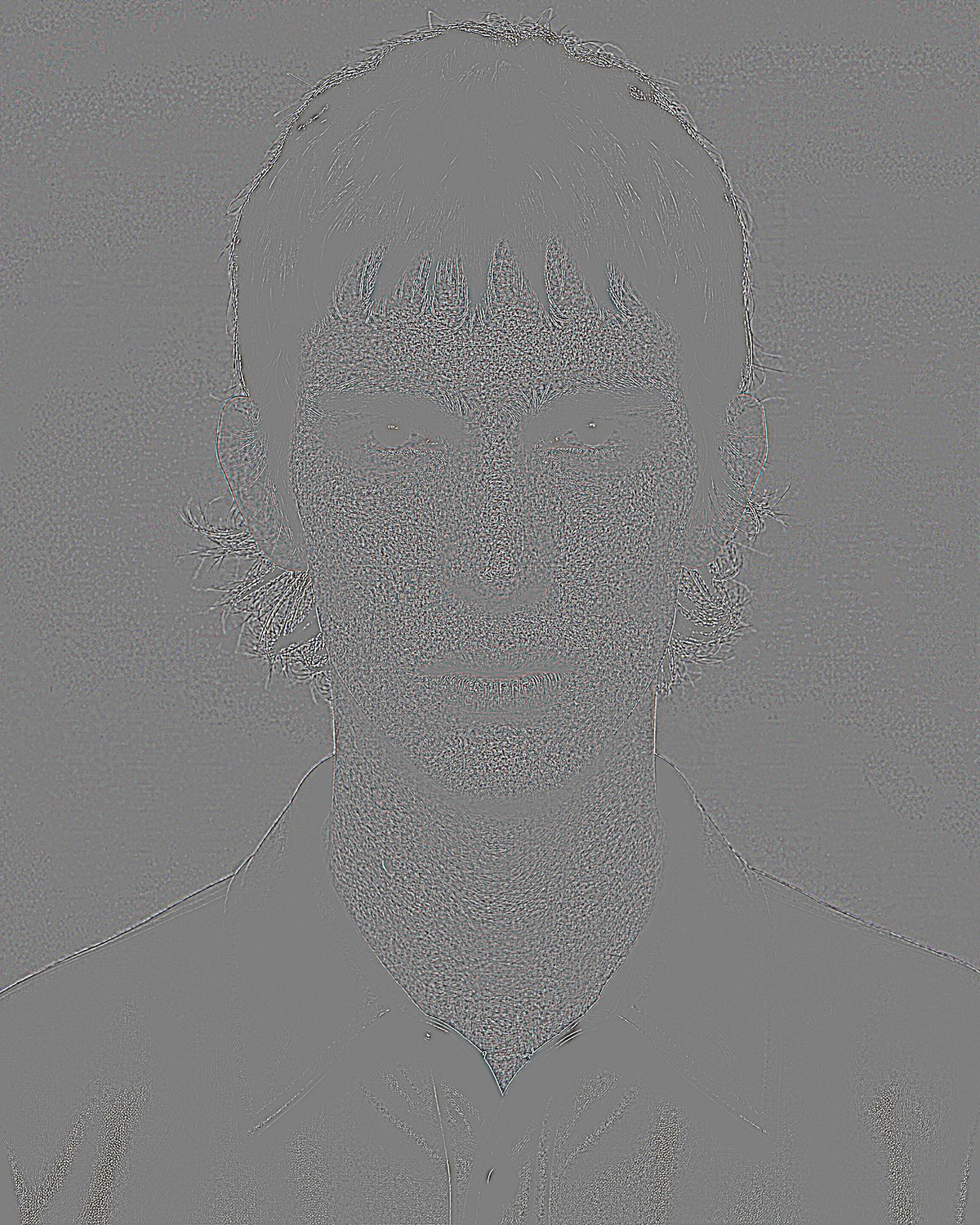
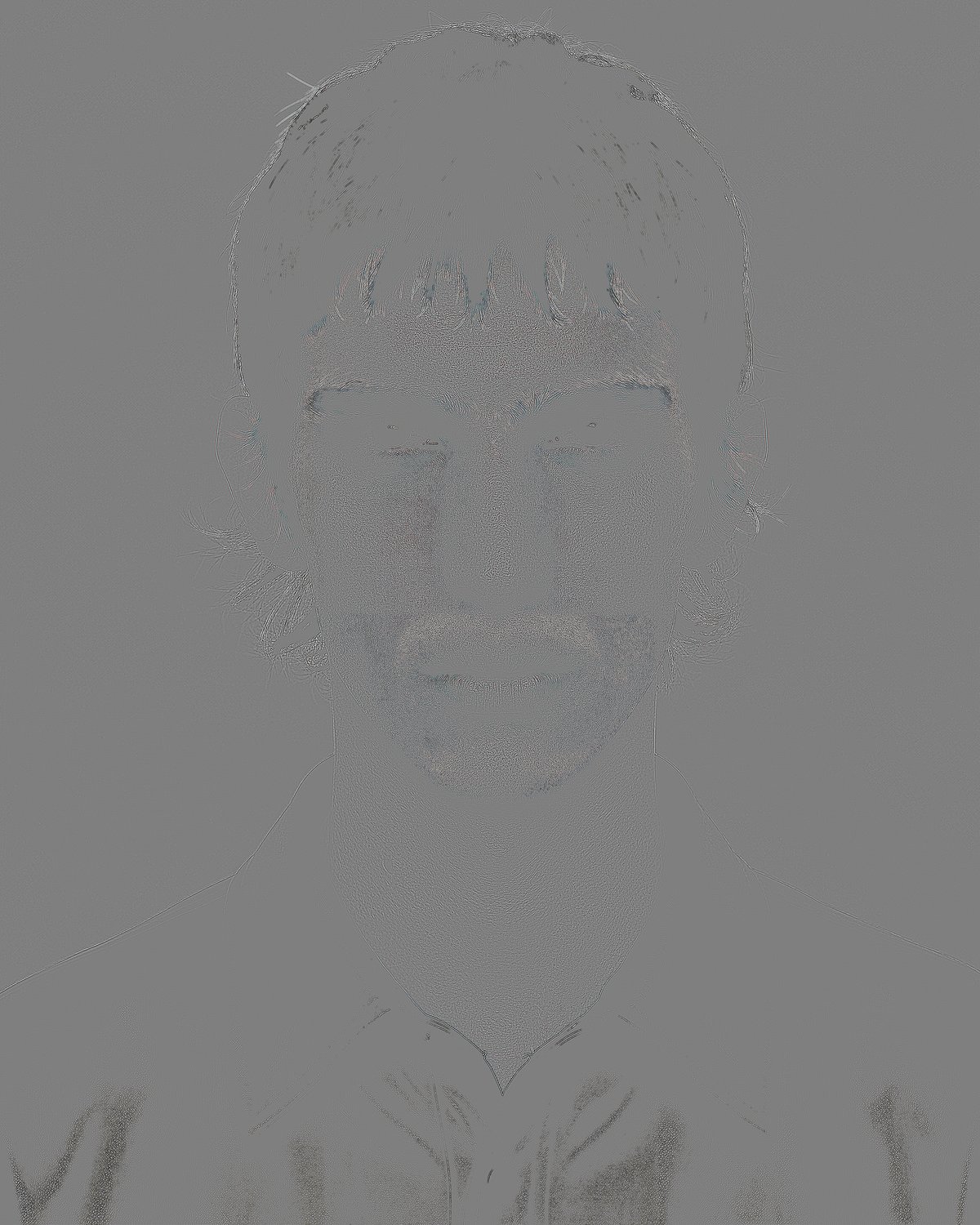
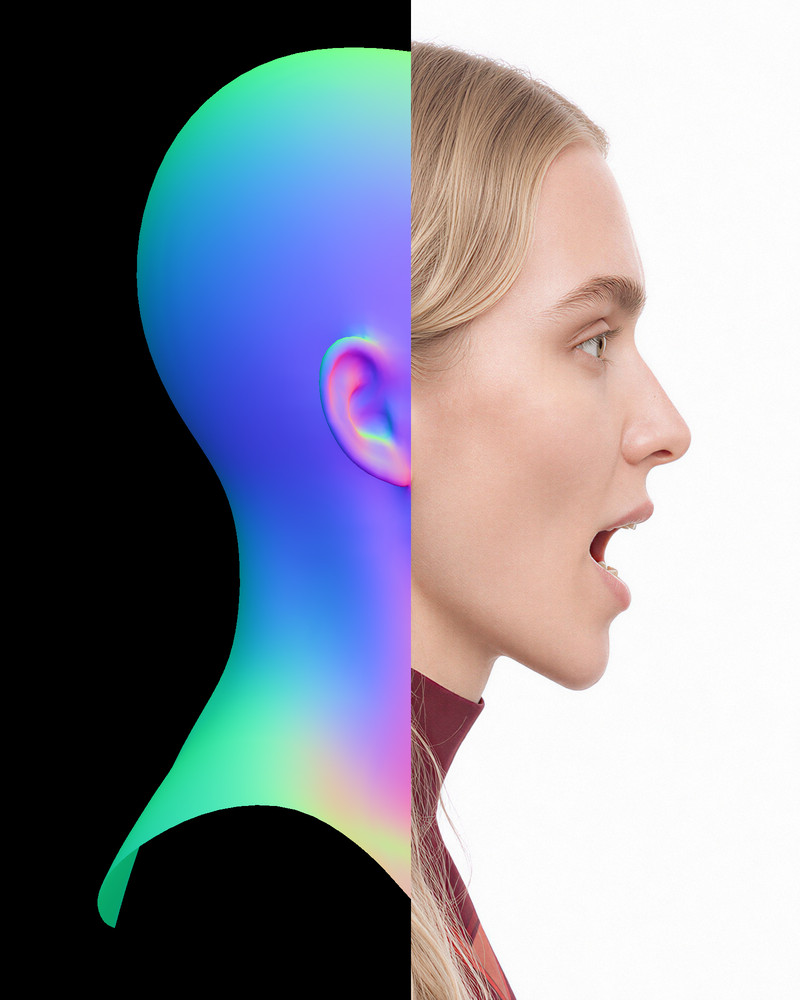
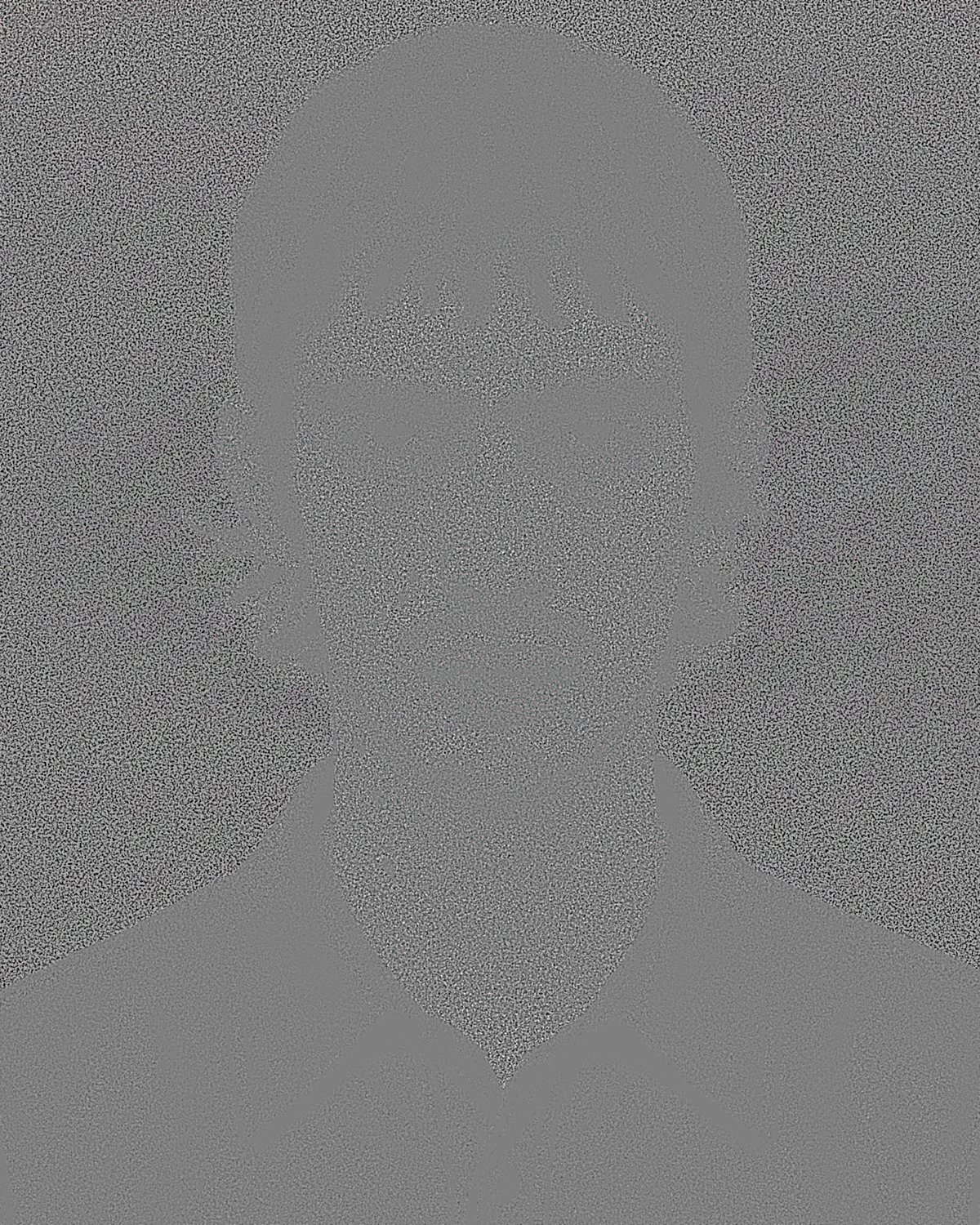
Middle grey is no change. None of the maps is a picture of the portrait — they are what the pipeline puts on the canvas while it works.
-
Prepare
Which of three sizing routes it took. Padding is flagged, because padded black is restored at full price.
-
Tiling
The grid actually in use after clamping, rather than the numbers you typed. Each tile carries context past its own edge.
4640×5760 → working 4656×5760
grid 3×4
core 1552×1440
context 64×64 each side
model tile 1680×1568
pad L0/R16/T0/B0
alignment 16
order row_major
tile 2.63 MP vs full frame 26.73 MP
12 tiles processing 1.18× the source pixel area
-
Noise
Exactly what was withdrawn before the model saw it. Defects look like signal, so the model preserves them; weakened first, they get rebuilt.
-
Combine
How far neighbouring tiles disagreed where they overlap, measured before any preview gain. It refuses the run if a tile comes back the wrong size.
Combined 12 tiles by normalized cosine overlap-add context 64×64 each side blend 32×32 each side working 4656×5760 → exact crop 4640×5760 weight range 1.0000–1.0000 seam disagreement max 0.37089, mean 0.00901 -
Alignment
Whether the upscale still lines up with the source, and what the gate did about it. It never corrects the image.
The alignment check executes whether or not anything is wired to its outputs. A check that only ran when connected would fail silently, and silence looks like success.
ALIGNED.
Offset dy -0.180 px, dx -0.209 px (magnitude 0.276 px).
Severity 0.033 against a threshold of 0.25, measured at detail scale 1.5 px. Severity is the high-band error recoverable by a single global shift, so it reads low when no global shift would help.
Correlation confidence 157.9 (peak-to-sidelobe; below 12 is untrustworthy, unrelated images score about 8).
Local 3x3 offset spread 0.317 px across 9 patches (threshold 0.75).
Any residual offset is too small to meaningfully damage the high band. Safe to mix.
Local offsets scatter by 0.317 px, above the 0.25 px seen on rigid pairs but below the threshold. Minor sub-pixel variation of this size is normal for a generative restoration and is not evidence of warping.
-
Frequency mixer
What the model proposed in each band and how much was accepted. Low 0.10, mid 1.00, high 1.00 — colour from the source, detail from SeedVR2.