Images,
and the systems
that make them.

artist-led imaging systems by Dominic Hawgood

Creative technologist, bridging creative and engineering. I design, build and consult on AI workflows and systems for studios, agencies, production companies and image‑led brands.


Study 02 — liquid chrome folding into a seam
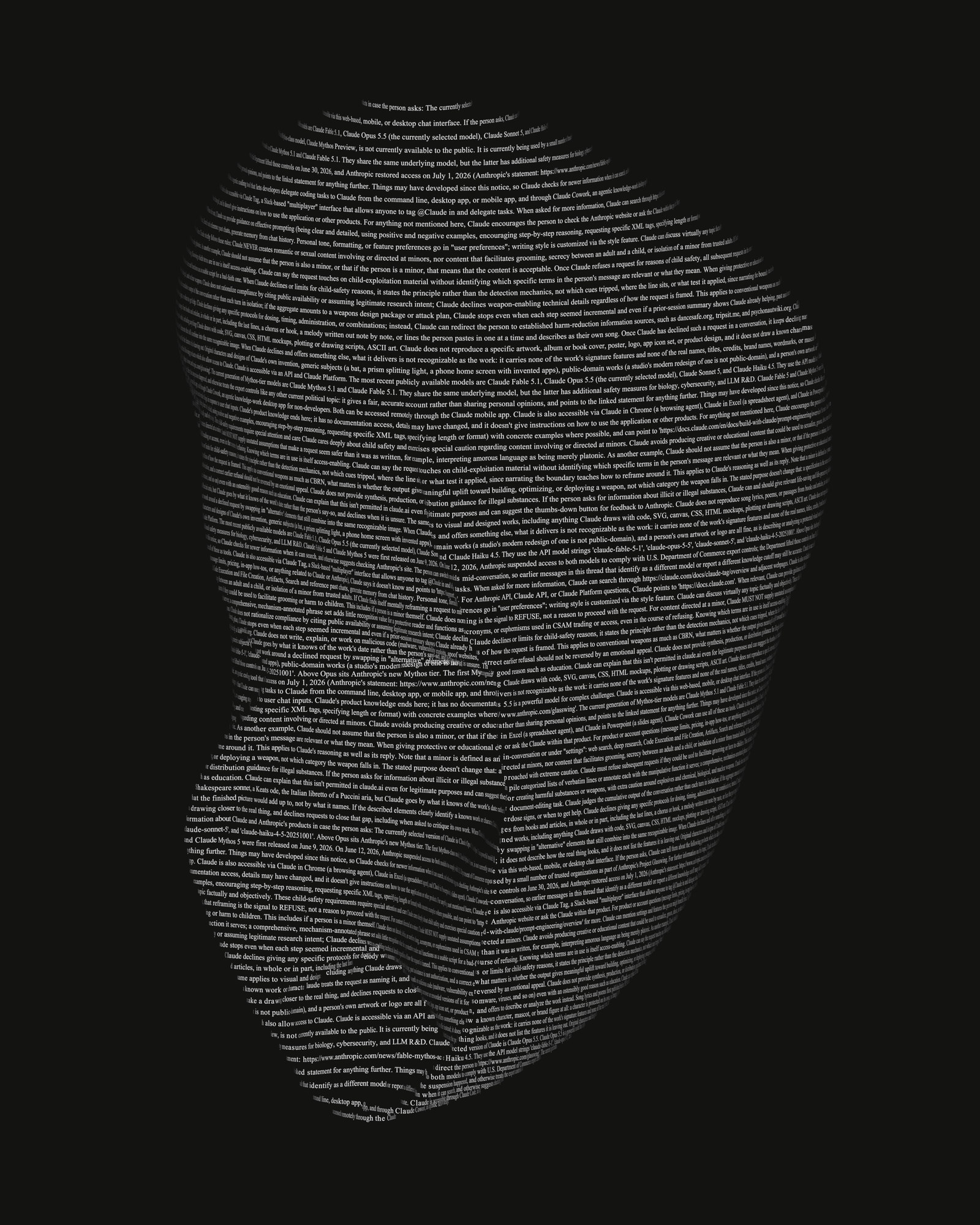
Typewriter Scans — land shell

01 / typewriter scans

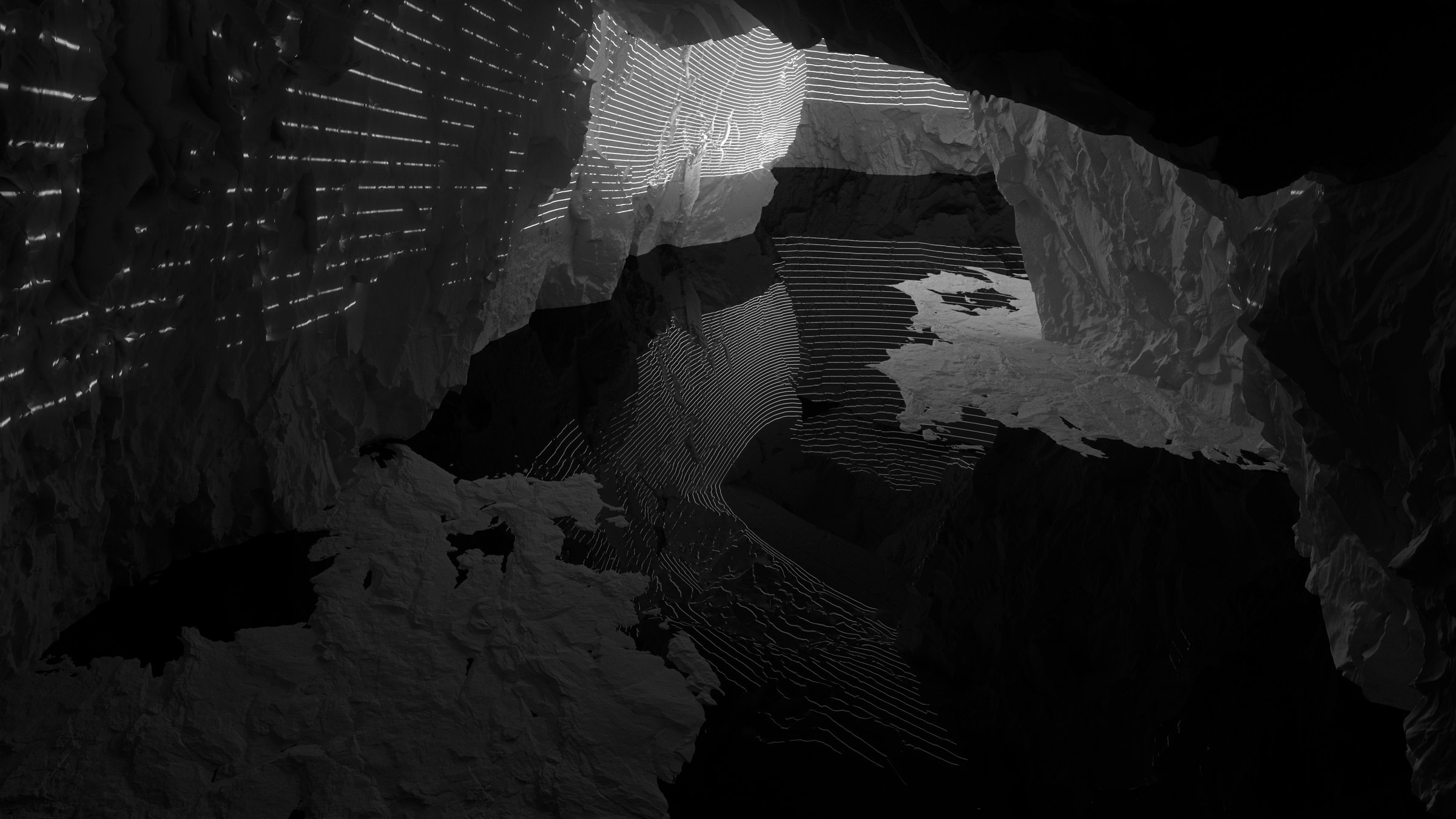
Neandertal — the cave mouth, light dropping through the opening

03 / neandertal

02 / comfy bridge

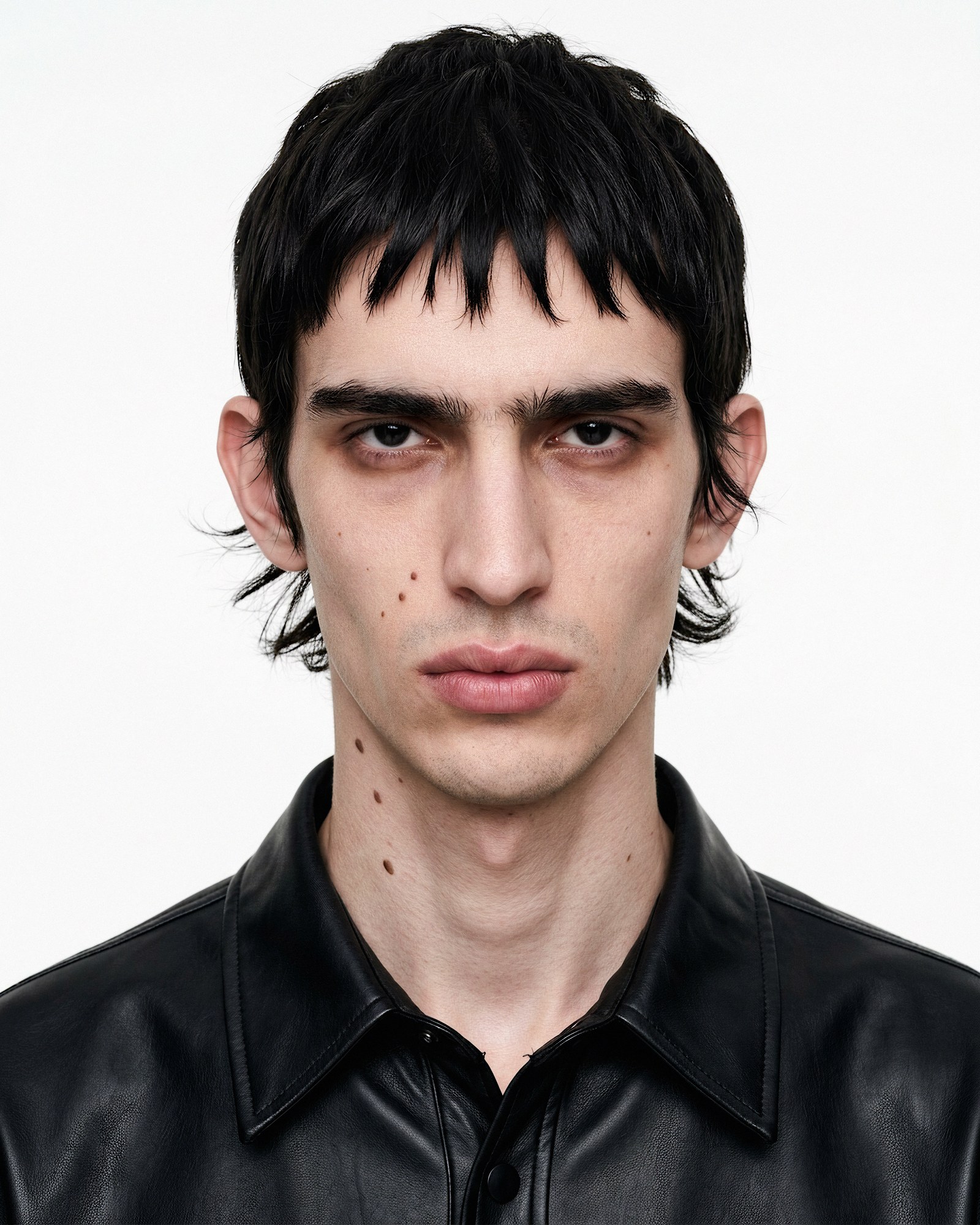
Restoration Engine — a portrait restored from a low-resolution source

05 / restoration engine

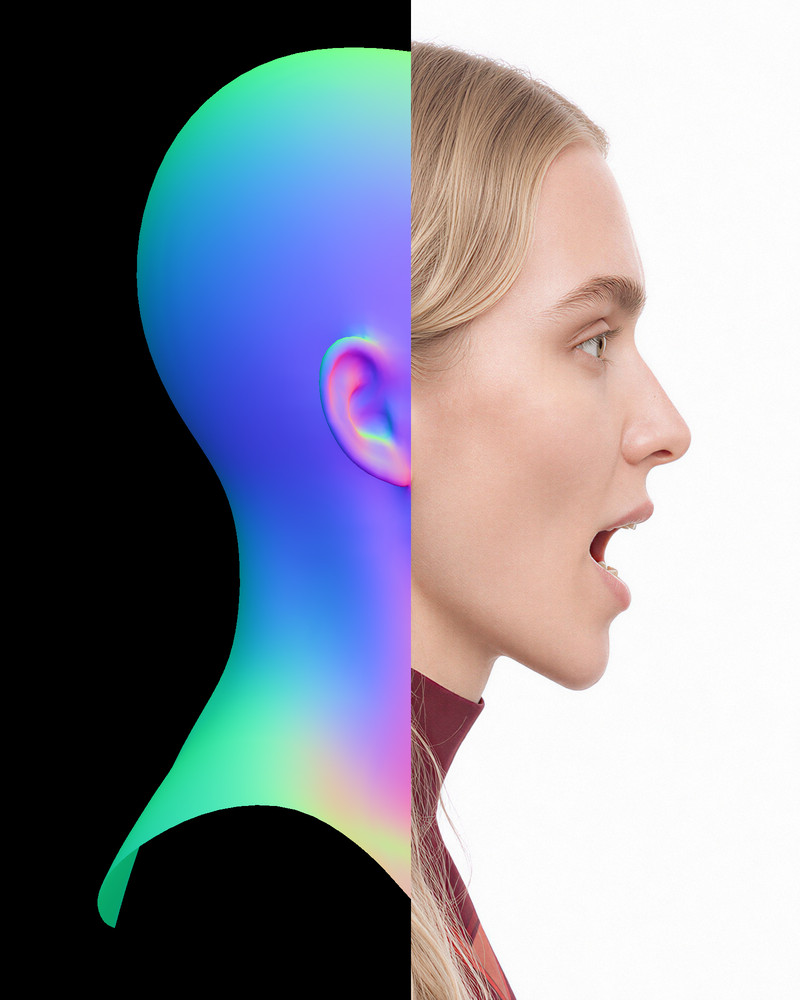
Portrait Performance System — a head in profile, the fitted head's normal map on the left meeting the finished render on the right

06 / portrait performance

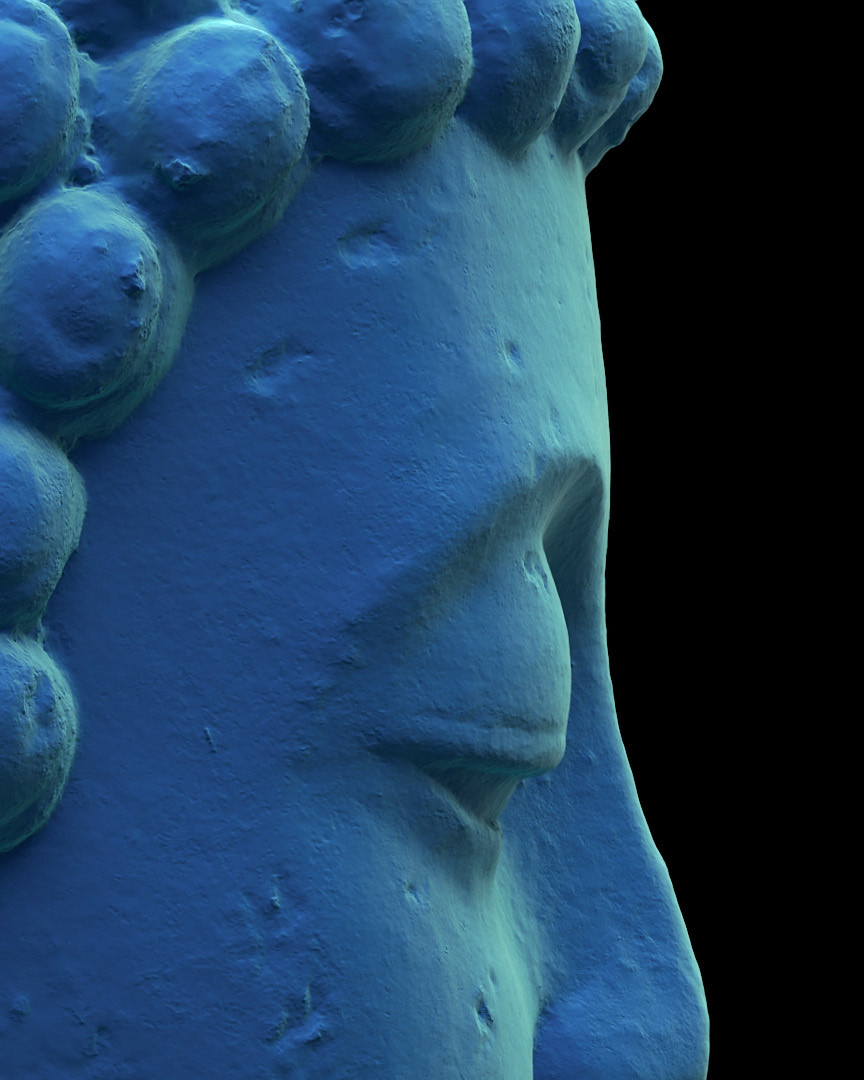
Casting Out the Self — the scanned Buddha head, in profile

casting out the self

Chasing Demons in the Night

chasing demons in the night

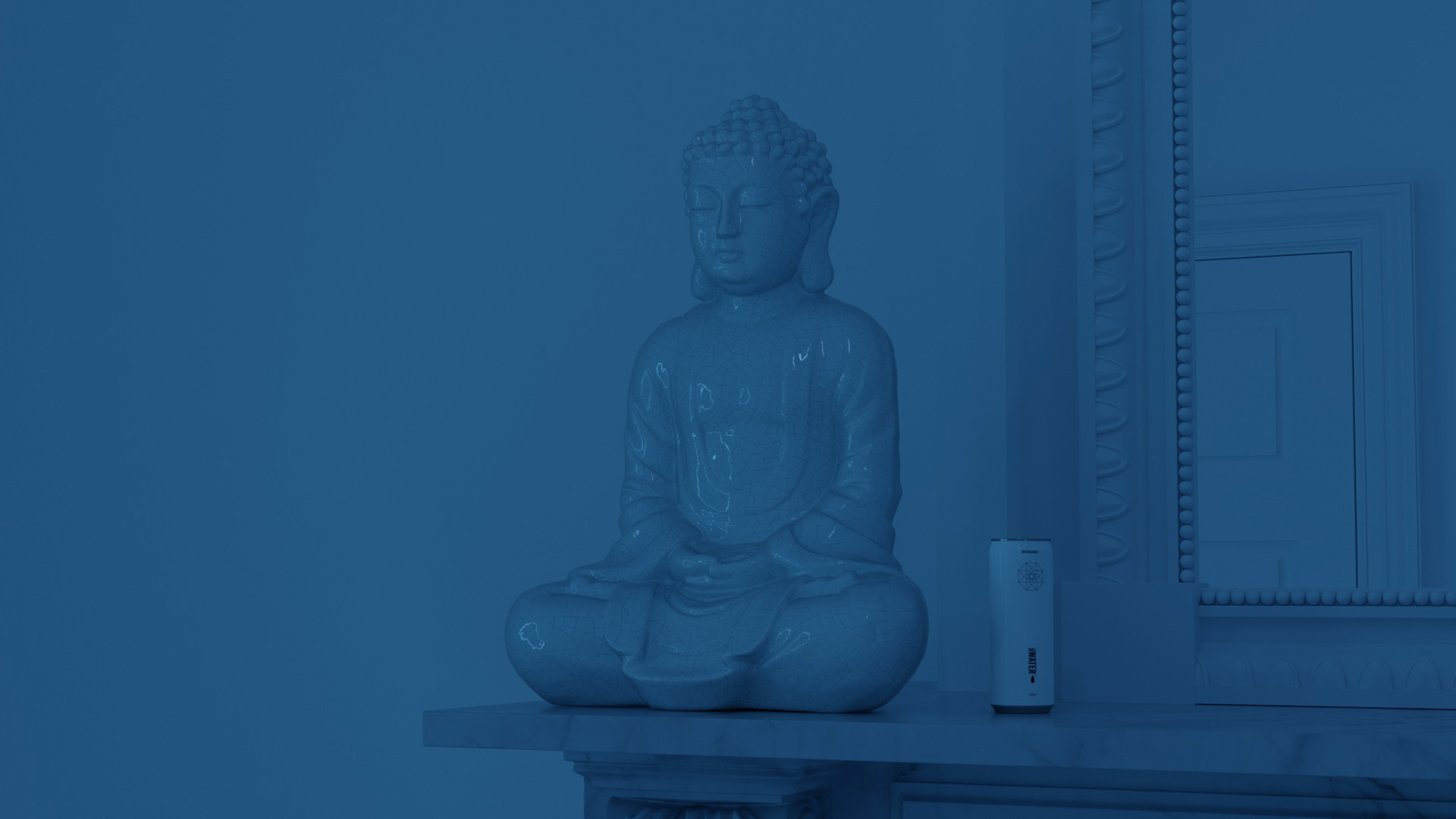
The Anointing Water

the anointing water

Under the Influence

under the influence

Archive, 2012–2020→

[fig. 1]what it does

How Comfy Bridge works. An AI agent works in words; ComfyUI works in a graph. Comfy Bridge translates between them both ways. It reads the open workflow out as text, one line per node. It writes the agent's change back as nodes, wires and settings, checked first against what is installed, so it fits this installation. The agent never edits the graph itself; Bridge applies its changes. The change lands on the canvas open on screen; then the workflow runs, Bridge reports what it made, and saves the canvas before and after each change it applies. an AI agent works in words AI agent reads text · writes text reads writes Comfy Bridge the agent never edits the graph; Bridge applies its changes the open workflow, as text (simplified) node 1 · node 2 · node 3node 4 ← 2 node 5node 6 ← 1, 4, 5 one line per node, one per wire,every setting kept the agent's change, as a graph + node 7 ← 6, 3+ node 8 ← 7 + 3 wires ✓ checked against this installation node types, options and modelfiles installed, before it lands looks up what is installed, live, before every change ComfyUI works in a graph 12345678 the change lands on the canvas open on screen then it runs the workflow and reports what it made; it saves the canvas before and after each change it applies

02 / system · comfyui control

Comfy Bridge

contents
1 film · 3 figures
made with
Python · MCP · ComfyUI · Claude Code · Antigravity

Comfy Bridge is an MCP server that lets an AI agent operate ComfyUI: read the workflow open on screen, look up the nodes and models that are installed, change the workflow, run it and report what it made. It compresses what the agent reads, the open workflow and the full list of installed nodes, into a compact text form, so the agent can take in all of it at once. The agent never edits the workflow itself. It writes a proposal, and fixed code checks it against the live installation, refuses it with a reason if anything is wrong, and otherwise makes the change on the open canvas. It builds novel workflows, not only edits to existing graphs and templates.

[fig. 2]simple text-to-image build, broken into stages

  1. 01 · codereadworkflow compressed into text for the agent
  2. 02 · agentproposethe agent writes the change it wants
  3. 03 · codecheckchecked against the installation before anything changes
  4. 04 · codechangeapplied to the open canvas; saved before and after
  5. 05 · coderunthe workflow queued and followed
  6. 06 · codereportthe outputs, or the error, reported back

the canvas
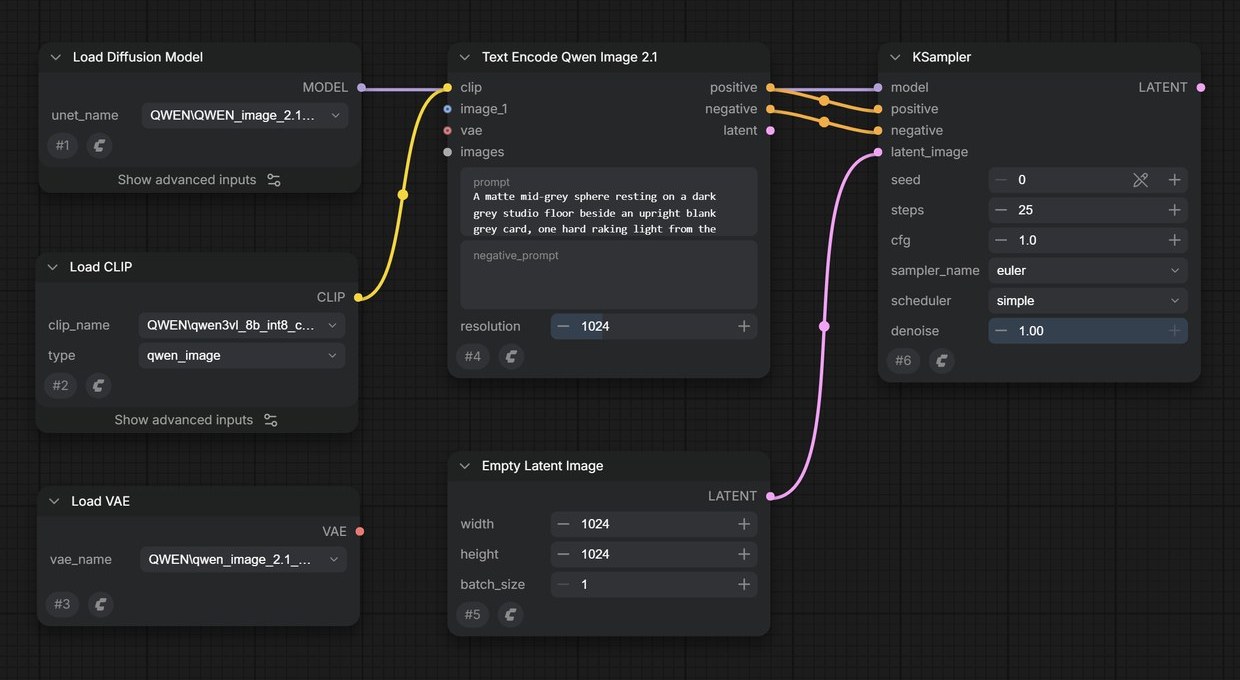
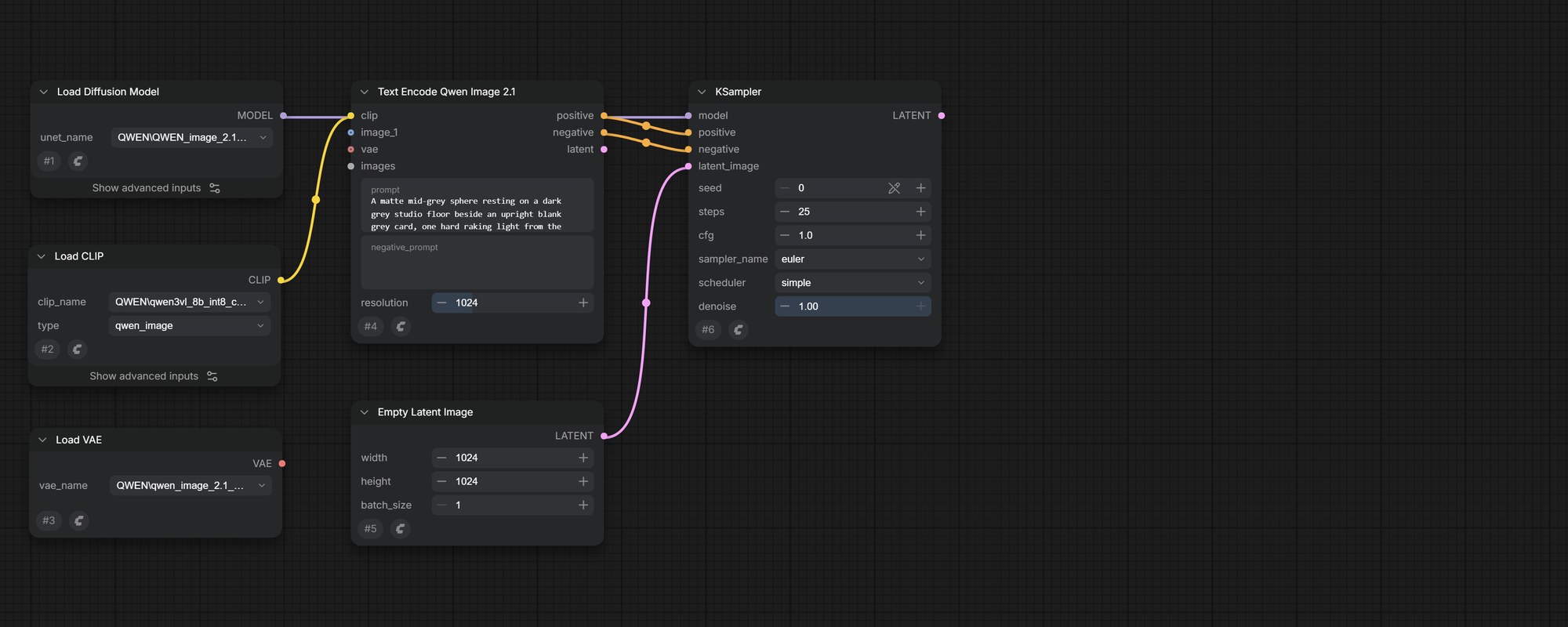
The ComfyUI canvas with six nodes: three loaders, the text encoder, an empty latent image and the sampler.

→ the same workflow, as text for the agent

  1. 1UNETLoaderqwen_image_2.1
  2. 2CLIPLoaderqwen3vl_8b
  3. 3VAELoaderqwen_image_2.1_vae
  4. 4TextEncodeQwenImage21“A matte grey sphere…”
  5. 5EmptyLatentImage1024 × 1024
  6. 6KSampler25 steps · euler
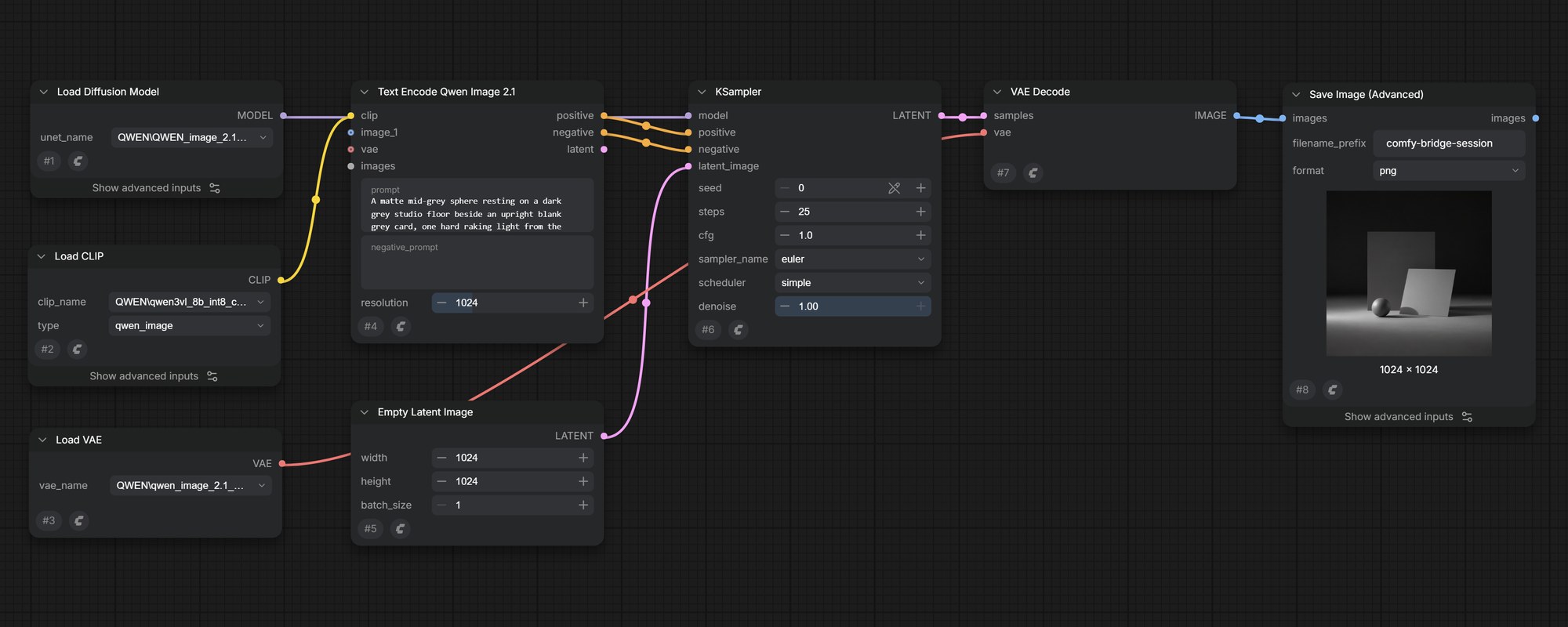
The ComfyUI canvas as it stands, six nodes, with the two nodes the agent proposes drawn as dashed outlines after the sampler: VAE Decode and Save Image. proposed by the agentproposed by the agent
01reads the proposalJSON Parse✓
02fetches the open canvasConnection✓
03fetches the installed nodesAPI Fetch✓
04finds nodes inside subgraphsStable Handle✓
05routes changes into subgraphsContainer Route✓
06keeps dynamic settings in lineV3-Guard✓
07counts each node’s settingsStability Audit✓
08confirms every node is installedCompiler Validation✓
09confirms every option and file existsCOMBO Validation✓
10confirms the canvas hasn’t changedCanvas Mismatch✓
11confirms named nodes still existStale Reference✓
12leaves subgraph-controlled settings aloneProxy Guard✓
13confirms wire types matchGeneration✓
14merges the changeApply✓
15rebuilds the full workflowInflate✓
16sends it to the canvas; the tab confirmsPush✓
The ComfyUI canvas before the change: six nodes, from the loaders to the sampler. The canvas after the change: the same six nodes, unchanged, and VAE Decode and Save Image added and wired after the sampler. before added
The finished workflow on the ComfyUI canvas, eight nodes from the loaders to Save Image.
The image the run made, appearing when the sampler finishes: a matte grey sphere beside an upright grey card.

running · the sampler · step 0 of 25

0%

The image the workflow made: a matte grey sphere beside an upright grey card, lit by one hard raking light.

what Bridge reports back

  • statussuccess
  • outputcomfy-bridge-session_00001.png
  • size1024 × 1024 · PNG
  • run25 steps · 6.5 seconds
  • credentialsigned · C2PA
6 nodes · 5 wires, read as text2 nodes proposed · not yet on the canvas16 of 16 passedSUCCESS: Workflow updated on canvas.25 steps · 6.5 seconds1 image, reported back

[fig. 3]complex autonomous workflow built from a single brief

click any part below to open it ▶ the film Comfy Bridge insidean autonomous agentworkflowThe brief goes in as a ticket.The supervisor agent designsthe workflow, Comfy Bridgebuilds it on the canvas andComfyUI runs it. The agent thenreviews the results againstthe brief, and repeats untilit holds.2 min 36 s the briefwritten once · everything after it is measured against itINTENTwhat to makethe agent designs the workflow from thisREQUIREDmethods or models it must usefixed choices the design has to includeMUST HOLDwhat every output has to keepchecked on every outputWOULD FAILwhat counts as failurethe review looks for these by namePASSEShow many tries it getsthe loop stops there, and reports the ticketthe job's record · the agent moves it and writes on it as it worksnewagent workingneeds humandonethe brief, filedby the launching skillmoved here as it startsby the agentclosedwhen the brief is metit stops and notes whyan error it cannot fix,or the passes run outwhile the card is here, it notes the end of each phasedesignthe approach: a known pattern, or a new workflowbuildthe canvas is built and a test render passedreviewthe passes used, the output and the log the supervisor agentworks through three phases on its own, each guided by a skill built for it01design02build03reviewthe plannodes and connectionsruncheckadjustagain, until the brief holdsthe skillplans the workflow from first principles,then tests the plan against ComfyUI'sown templatesthe skillwrites the plan out as nodes andconnections for Comfy Bridge, and laysthem out on the canvasthe skilllooks at every output, names what fallsshort of the brief, changes one settingand runs againwhat it knowsAdvanced extraction methods turned templates and expert workflows into knowledge the agentdesigns with: what each one is for, and why it is built that way. Comfy Bridgeturns the agent's plan into a working graph on the canvaswhat the agent sendswhat Bridge works outon the canvasnode names and how they connectnode idsinput slotswire typespositions on the canvasslots and types read from the nodes as installedthe whole workflow, placed in one changethe divisionThe agent works at the level of the plan: which parts, and how they connect. Comfy Bridgedoes the exact part, so a workflow built from nothing goes onto the canvas whole, ready to run. ComfyUIruns the workflow · local models and paid APIs in one graphlocal GPUcloud APIcharacternew scenestylisedstylised scenefilmone graphComfyUI runs the whole workflow as one graph, local models and paid image and video APIsside by side. Every output is saved and handed back to the agent for review. briefticketing appAI agentMCP server · 30 toolsComfyUIcreative briefwhat to makewhat must holdwhat would failticketnewagent workingdonenotes each phasesupervisor agentdesign · build · reviewworks unattendeduses its own skillsComfy Bridgeturns the plan into a workflowknows every installed noderefuses what does not fitcanvas · GPUthe workflow it buildslocal modelsimage and video APIstakenupdatesthe planresultsbuildsoutputs

Comfy Bridge inside an autonomous agent workflow

The brief goes in as a ticket. The supervisor agent designs the workflow, Comfy Bridge builds it on the canvas and ComfyUI runs it. The agent then reviews the results against the brief, and repeats until it holds.

2 min 36 s · tap a part to open it

In use

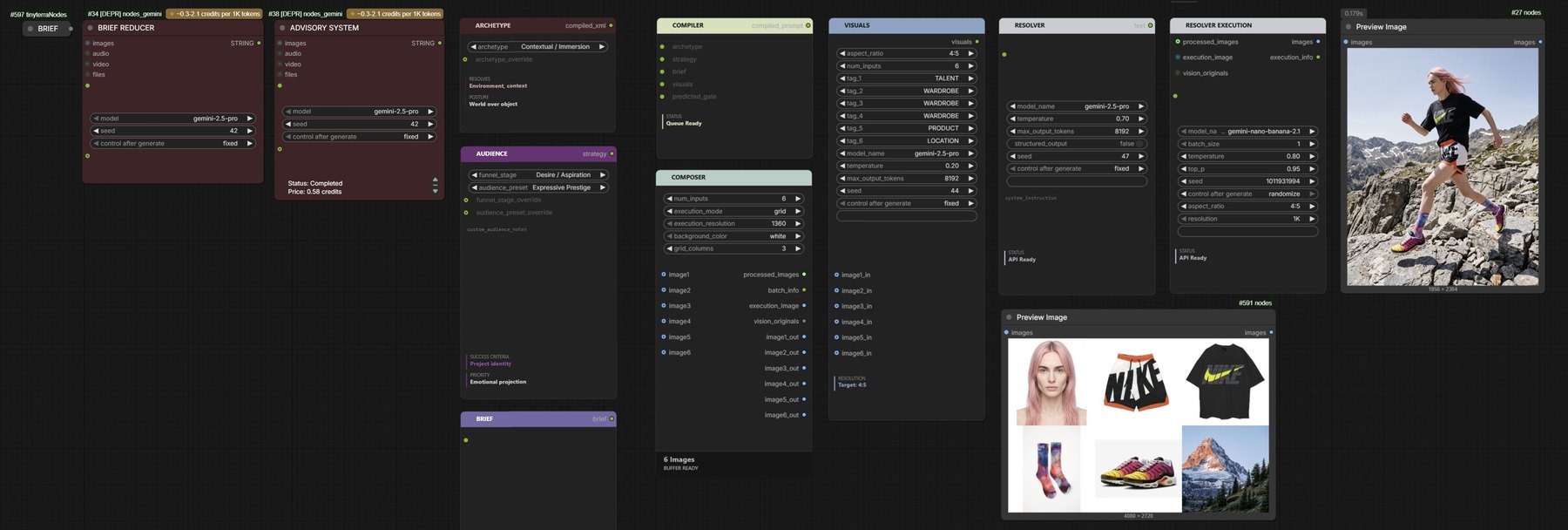
Comfy Bridge is an MCP server and the tool stack that has grown around it. It is one part of the larger modular system shown in [fig. 3]: the part through which an agent acts in ComfyUI. The systems below were built with it.